Tools
Explore BrushCue's free browser-based photo editing toolkit—brightness and color sliders, filters, blur, grayscale, rotation, and smart cutouts—no downloads or uploads required.
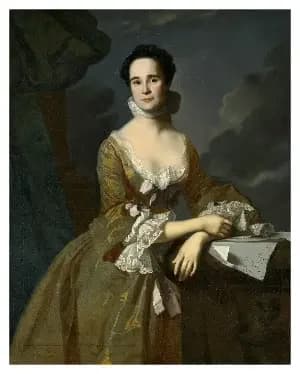
Add Frame
Add a frame around an image. You can pick the color of the frame and the size of it.
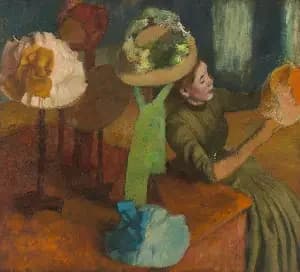
Adjust Channels
Add or subtract from the red, green, and blue channels independently to shift the image’s color balance.
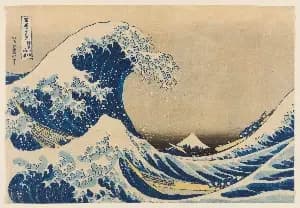
Blue Channel
Given the image you provide, selects the blue channel and sets the other channels to 0. Use for scientific analysis or an effect.
Box Blur
This online Box Blur tool applies a simple averaging filter to soften an image and reduce noise. It is fast and predictable, making it useful for quick previews, testing, or educational purposes. Under normal circumstances, use the Gaussian Blur tool instead for smoother, more natural-looking results.
Brightness Adjust
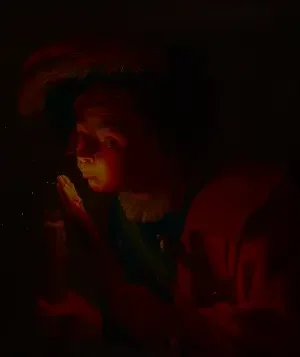
Adjust image brightness online with live preview. Lighten or darken photos instantly using this free browser-based brightness adjustment tool.
Brightness Contrast Adjust
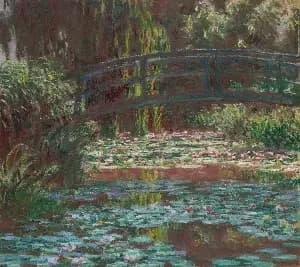
This tool allows you to increase the contrast of the brightness of an image. Leading more stark contrast between dark and light areas of your image while leaving the colors uneffected.
Camera Moving Distortion
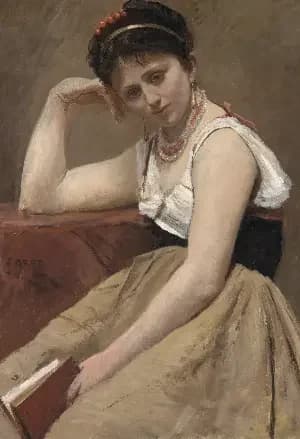
This tool simulates the effect of camera movement during a photo capture. It overlays two instances of the same image and blends them using a configurable alpha value to produce the effect. You can control both the blending strength and the positional offset between the two overlays to introduce subtle motion, depth, or a sense of energy—useful for adding realism, emphasizing motion, or creating a more dynamic, cinematic feel in otherwise static images.
Censor Children with Pixelate
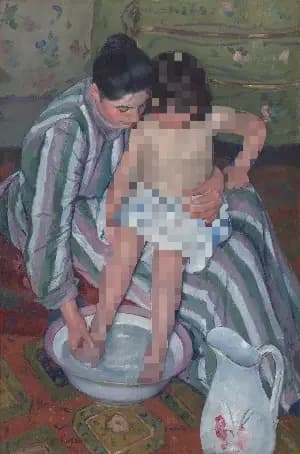
Censor children out of your images using this tool. Our AI automatically detects children in your photos. We then apply a pixelate effect to those children. To use, select your image and adjust the dimension of the pixelate.
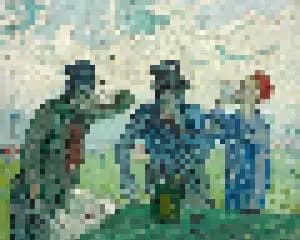
Censor People with Pixelate
Censor people out of your images using this tool. To use, select your image and adjust the dimension of the pixelate.
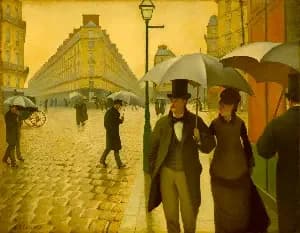
Chroma Offset
Applies a uniform chroma shift in the OkLab color space to adjust color intensity without changing hue or luminance. This produces perceptually consistent saturation changes, avoiding the artifacts common in RGB or HSV-based adjustments.
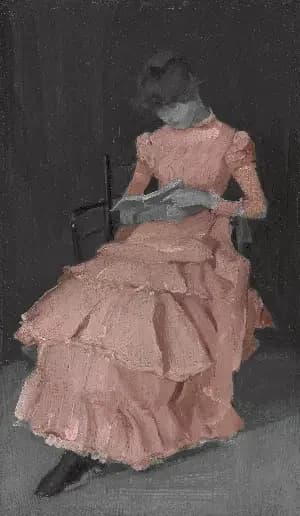
Clothing Color Pop
The Clothing Color Pop tool turns the background of your image black and white while keeping the clothing in full color. Use it to draw attention to clothing in an image.
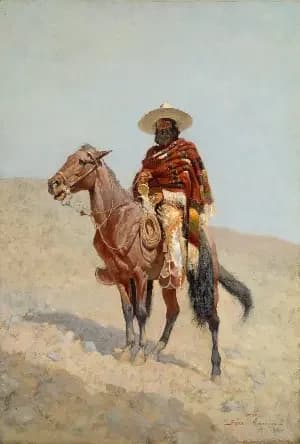
Coachella Aesthetic
Transport your photos to the sun-scorched desert with this dreamy Coachella/Palm Springs–inspired effect. Heat waves ripple up from the bottom of the frame, mimicking a mirage. A warm chroma shift and boosted saturation bathe the image in a desert glow. All of it is controllable via the intensity slider.
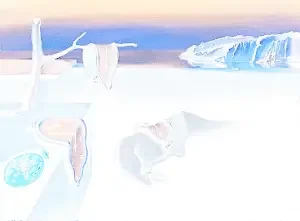
Color Invert
Invert Image Colors is a simple online tool that instantly reverses all colors in an image, creating a negative effect. Upload an image to invert light and dark values directly in your browser—no downloads required.
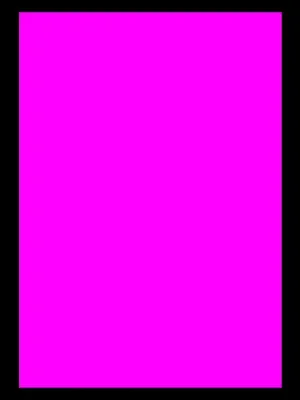
Color Rectangle
Create a solid color image by specifying the color and dimensions. Ideal for testing palettes, layout placeholders, and visual design work.
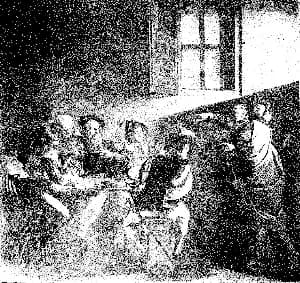
Color Threshold
This tool compares the linear R, G and B components of an image. If any item is below the threshold, it returns black. Otherwise, it returns white. Useful in computer vision tasks and stylistic effects.
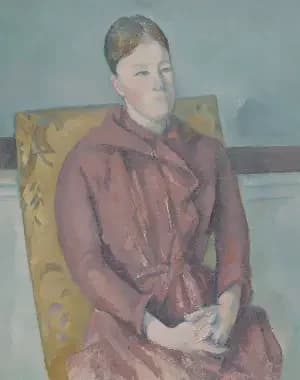
Contrast Adjust
Use this tool to increase or decrease the contrast in your images. Values greater than 0 increase the contrast. Values less than 0 decrease the contrast.
Convert to BT.709
Takes the image that you supply and modifies the colors to fit BT.709. Does this by using the ICC profiles. This tool will embed a ICC profile into the output.
Convert to Display P3
Takes your image and converts the colors to work for Display P3. Will embed a Display P3 ICC profile into your output image
Convert to sRGB
This tool takes an image that you has and converts it to sRGB. It does it by using the ICC sRGB color profile and changing the colors of your image accordingly.
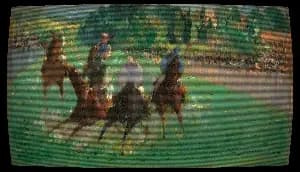
CRT Monitor Filter
Apply an authentic retro CRT screen effect to any image with adjustable scanlines, RGB color separation, screen curvature, vignette, noise, saturation, contrast, and glow. This BrushCue CRT tool recreates the look of vintage televisions, arcade monitors, VHS displays, and old computer screens while keeping the effect fully customizable for subtle analog texture or intense retro distortion.
Cut Out Cat
Upload your photo and receive an image with the cat cut out and a transparent background. Use this tool to create stickers or overlays of cats.
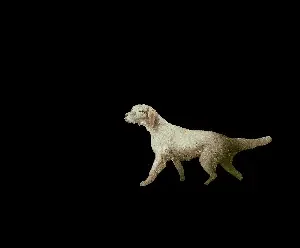
Cut Out Dog
Upload your photo and receive an image with the dog cut out and a transparent background. Use this tool to create stickers or overlays of dogs.
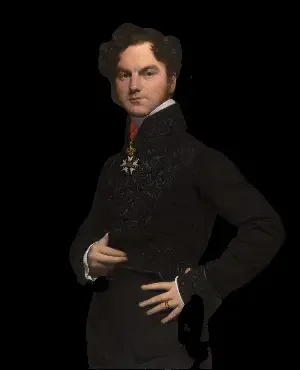
Cut Out Person
Upload your photo and receive an image with the people cut out and a transparent background. Use this tool to create stickers or overlays of people.
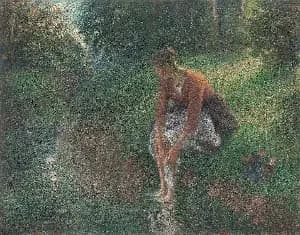
Darken
A darkness adjustment tool with a user-controlled slider, designed to deepen shadows and reduce overall luminance for a richer, more dramatic look. Ideal for toning down overexposed areas, enhancing contrast, setting mood, and subtly obscuring details to create depth and atmosphere.
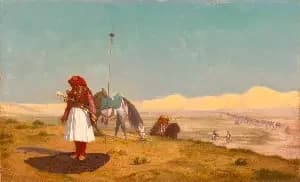
Desert Mirage Filter Animation
A looping 6-second video effect that simulates shimmering heat haze rising from the ground. Layered sine-wave distortion warps the image from the bottom up, while chromatic aberration adds a vivid color fringe. Paired with warm color grading — boosted saturation, increased brightness, and a golden chroma shift — for a sun-scorched, desert atmosphere. Intensity is fully adjustable.
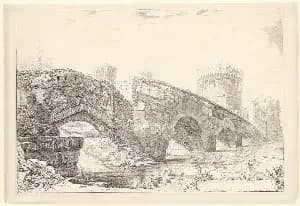
Dilate
The dilate tool performs a dilation, also known as a morphological max, on your image. Select your image and select the dimension.
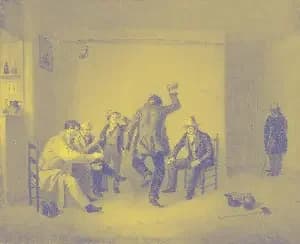
Duotone Effect
Map image shadows and highlights to two custom colors with contrast-boosted lightness curves for rich, professional color grading.
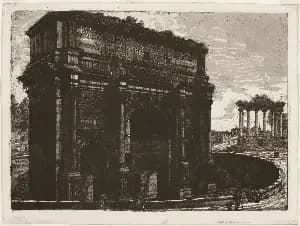
Erode
The erode tool performs a erosion, also known as a morphological min, on your image. Select your image and select the dimension.
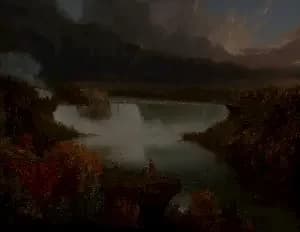
Exposure Adjust
Adjust the exposure of your image using exposure steps. Mimics the effect of increasing or decreasing the exposure when taking a photo.
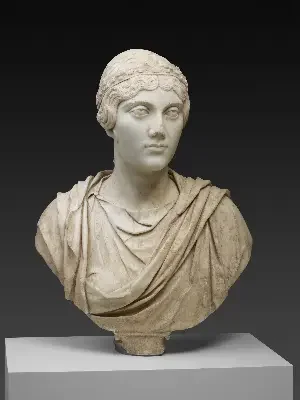
Film Grain
Creates a film grain effect over your image. Control the intensity and the frequency of the effect. Great for giving a nostalgic and candid aesthetic to your image.
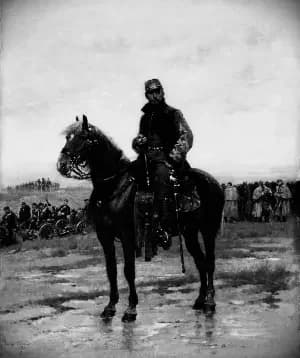
Film Noir
Applies our film noir effect to your image. Use this to give an edgy retro black and white effect. Internally, applies a grain, converts to black and white, increases contrast, applies a slight blur and a vignette.
Gaussian Blur
Apply Gaussian blur to images in your browser. Soften details, create depth effects, or prepare backgrounds quickly and for free.
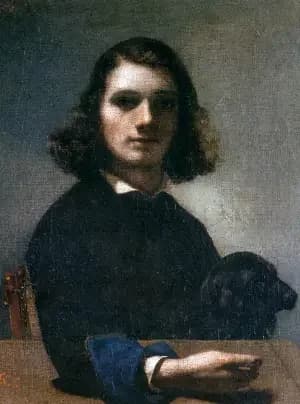
Glitch Filter Animation
Transform any still image into a dynamic, TikTok-inspired glitch animation video using BrushCue. This ready-made template applies cinematic RGB color splitting, chromatic aberration, red and cyan ghost offsets, and reactive horizontal jitter — all driven by a smooth, time-based animation engine. Perfect for social media content creators, digital artists, and designers looking to add eye-catching glitch effects to photos in seconds.
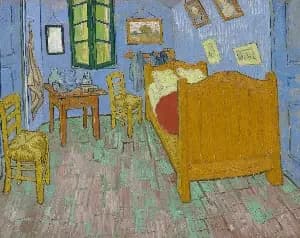
Grayscale
Convert photos to black and white instantly with this browser-based grayscale tool. Great for classic effects and tonal experimentation.
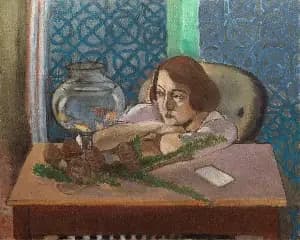
Green Channel
Given the image you provide, selects the green channel and sets the other channels to 0. Use for scientific analysis or an effect.
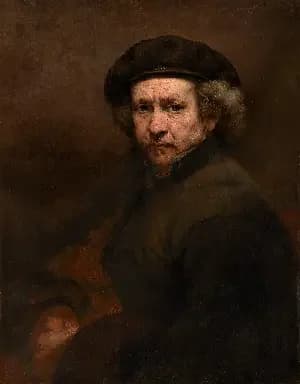
Halftone
Generates a halftone effect. Composes your image of a bunch of dots of sizes corresponding to the brightness of each area. Control the dot and background color, the size of the regions and a contrast adjustment to make this effect look exactly how you want it.
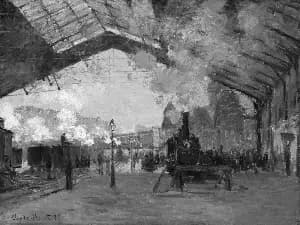
High Contrast Grayscale
This tool applies a S-Curve to the grayscale of an image. Doing so, increasing the contrast between the light and dark areas and giving a more stark grayscale effect.
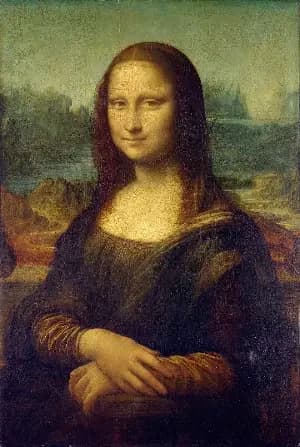
Horizontal Mirror
Flip images instantly with this horizontal mirror tool. Create a left-to-right mirror flip in one click—ideal for correcting selfie text, adjusting composition, or preparing visuals for design and social media.
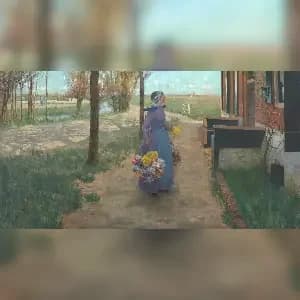
Image to Square with Blur
Convert any image to a perfect square without cropping. This tool automatically adds a blurred version of your photo as the background, creating a clean 1:1 aspect ratio ideal for Instagram, social media posts, thumbnails, and profile pictures.
Image to Video
Convert any image into a video instantly. Upload a photo, choose the duration, and generate a video where every frame is your image. Simple, fast, and perfect for social media, presentations, podcasts, and looping visuals.
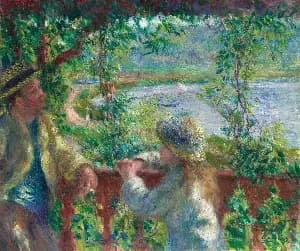
Kaleidoscope
Turn your image to a kaleidoscope. Control the number of segments, the rotation and a warp feature when creating your kaleidoscope.
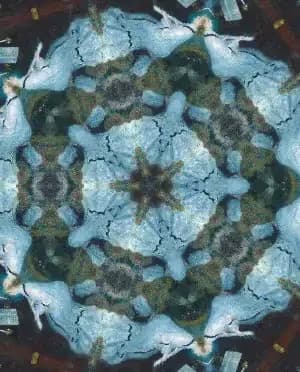
Kaleidoscope Animation
Turn your image into an animated kaleidoscope. Select the number of segments and the duration of the animation.
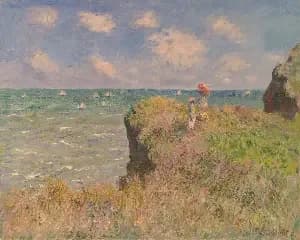
Kelvin Tuner
Adjust the color temperature of your image by setting a specific white point in Kelvin. Perfect for correcting color casts from different lighting conditions or creating a warmer/cooler aesthetic. D50 is our default, you can adjust from there.
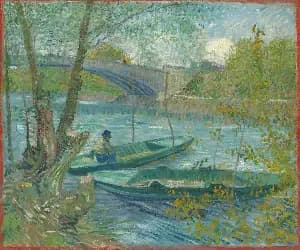
Lighten
An image brightness adjustment tool with a user-controlled slider, perfect for correcting underexposed or overexposed photos, enhancing mood, and bringing out detail in shadows or highlights.
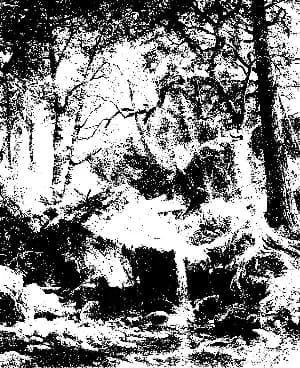
Lightness Threshold
Applies a threshold to the OkLab L (lightness) component, analogous to how Color Threshold operates on individual RGB channels. This tool converts continuous tonal values into hard transitions, producing a stark, high-contrast, etching-like effect that emphasizes form and structure.
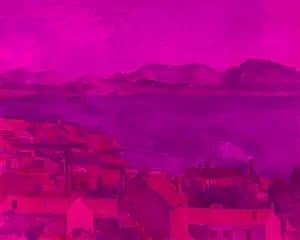
Linear Transform
Multiply the RGBA values of a pixel by a 4×4 matrix with this browser-based tool to apply precise, linear color transformations such as channel mixing, color correction, and custom effects, all without changing image geometry.
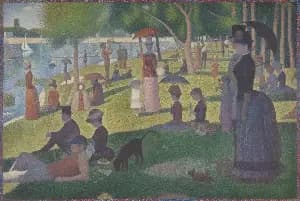
Liquify
A Liquify image editing tool that distorts an image using wave-based deformation. Amplitude controls the strength of the distortion, while frequency determines how smooth or tightly rippled the effect appears, enabling precise, parameter-driven liquify effects.
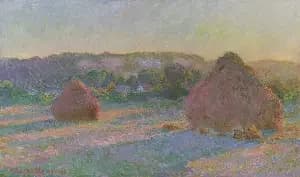
Median Filter
Runs a median filter over the composition. This will accumulate the R, G and B components of your image and then calculate the median of each component. Valid range for the kernel size is between 1 and 5. Use this tool to remove noise from an image.
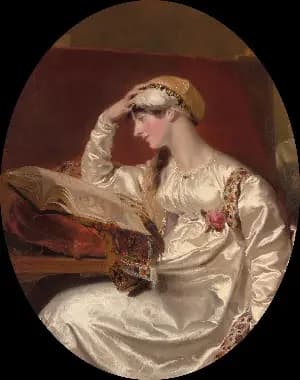
Oval
Creates an oval cutout right in the center of your image.
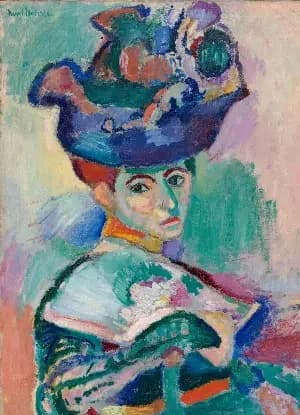
Pixelate
This tool groups nearby pixels into square blocks to reduce detail. Smaller blocks retain more detail, while larger blocks create a stronger, mosaic-like effect, allowing control over how much the image is simplified.
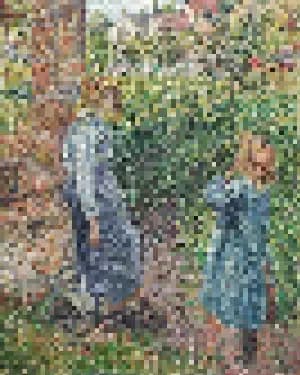
Pixelate Reveal Animation
Transform any image into a stunning de-pixelation reveal animation. Simply input your image, set the duration, and choose the number of starting pixel columns to generate a smooth, high-quality animation that transitions from mosaic pixels to full clarity.
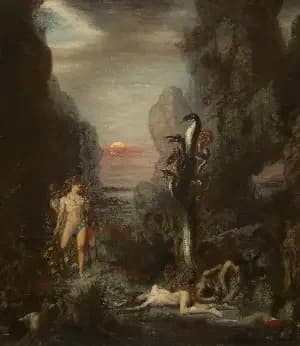
Red Channel
Given an input image, will extract just the red channel from an image. Useful for the stylistic effect or scientific analysis.

RGB Color Mix Aesthetic
Blends green into reds and blues to soften color separation and create a subtle, warm film-like balance. Control the strength of the effect using this tool.
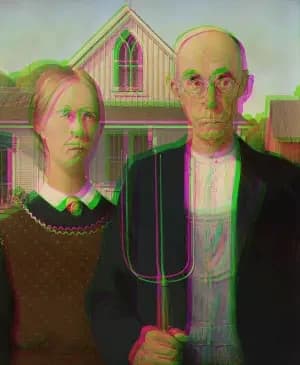
RGB Color Shift
An RGB Color Shift tool offsets the red, green, and blue channels to create a bold chromatic separation effect, producing the distinctive glitchy look popularized by the TikTok logo.
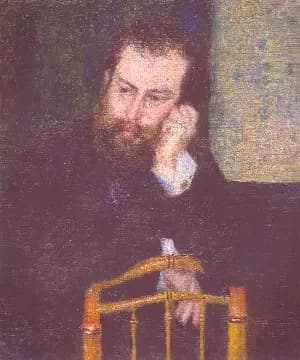
Rose Tint
Apply a rose tinted effect to your images. Great for expressions of love or to celebrate Valentine's Day.
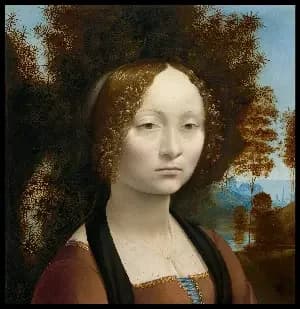
Rotate 180°
Flip images upside down with a 180° rotation tool instantly in your browser. Simple and free.
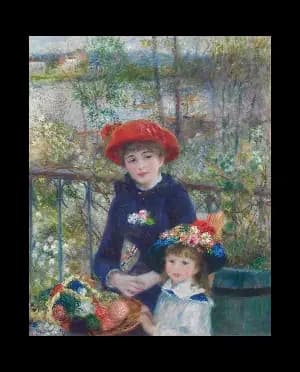
Rotate 90° Clockwise
Rotate images 90° clockwise online. Fast and easy orientation correction without downloads.
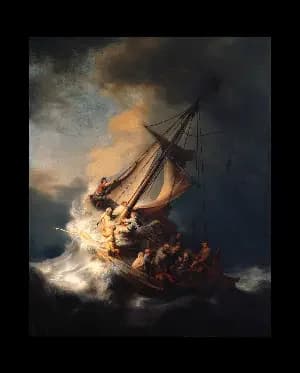
Rotate 90° Counterclockwise
Rotate images 90° counter-clockwise with this free browser-based utility. No account needed.
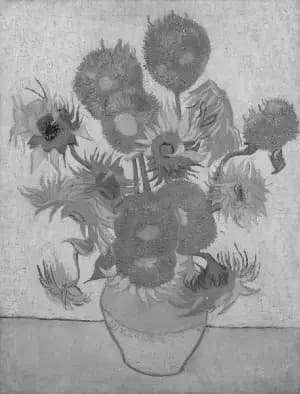
Saturation Adjust
Increase or decrease image saturation online. Perfect for vivid enhancements or muted artistic looks.
Scale by Factor
Let's you scale your image uniformly by a factor of your choice. You can both increase and decrease the size of your image using this tool.
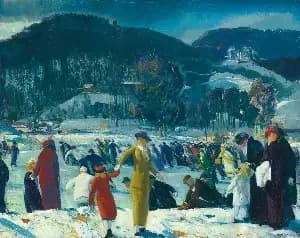
Sepia
Convert any image to warm, classic sepia tones in seconds. This sepia image converter adds a vintage look with rich brown hues, perfect for photography, design, and creative projects.
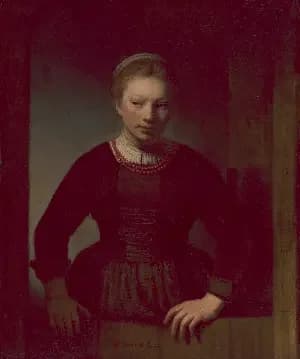
Shadow Tint
This tool applies a selective chroma shift to shadow areas of an image, allowing you to add color offset (shifts in red and blue channels) specifically to the darker regions. Use it to create stylized color grading effects or enhance shadow details with custom color adjustments while preserving the highlights and midtones.
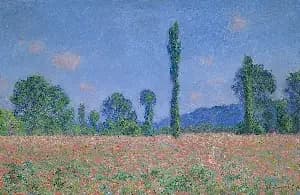
Sharpen
Sharpen your images instantly with this browser-based sharpening tool. Enhance edges, boost clarity, and bring out fine details to make photos look crisp and focused. Adjust the strength to control how subtle or intense the sharpening effect appears, whether you’re refining portraits, improving product shots, or restoring slightly soft images—all without leaving your browser.
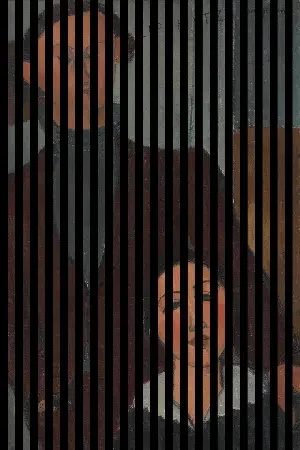
Shredder
Takes your image and makes it look like it was thrown through a shredder. You can specify the number of cuts to make and the background color.
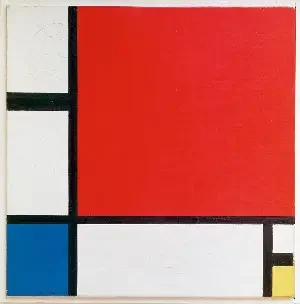
Sobel Edge Detection
Interactive, browser-based Sobel edge detection demo for research and experimentation. Upload images to visualize gradient-based edge detection in real time—ideal for learning, prototyping, and exploring computer vision concepts directly in the browser.
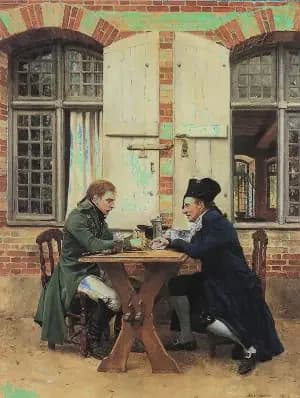
Solarize
Apply a stunning solarize effect to your images online for free. Our tool inverts colors above a brightness threshold, producing eye-catching, high-contrast photos with a surreal look. Enjoy fast processing, adjustable settings, and secure browser-based editing with no uploads stored.
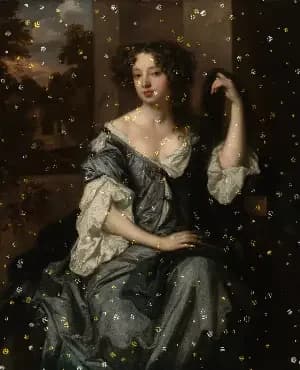
Sparkle Vignette
Add a vignette of silver and gold sparkles around the edges of your image. Perfect for celebrating New Years Eve or adding some glamour to your images. Control the size of each sparkle and how far the vignette advances.
Spinning Reveal Animation
Create spinning reveal animations from images online for free. Add rotating zoom-in effects, retro newspaper-style spins, logo reveals, and animated intros.
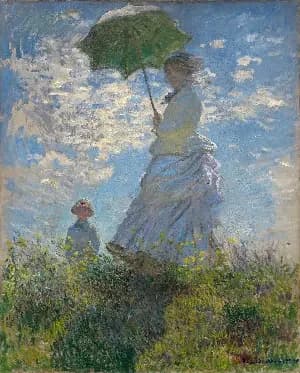
Swirl
Creates a swirl effect at a point your choose in your image. Control the magnitude of the effect with a angle given in radians and the radius of the effect.
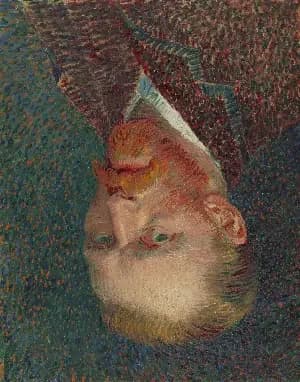
Vertical Mirror
Flip images instantly with this vertical flip tool. Create a top-to-bottom mirror in one click—ideal for correcting orientation, experimenting with composition, or preparing visuals for design and social media.
Vibrancy
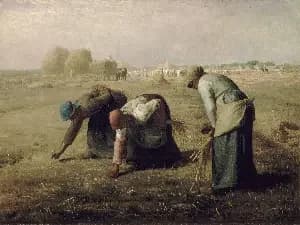
The Vibrancy Effect tool adaptively boosts color saturation while preserving natural-looking tones. Unlike traditional saturation adjustments that uniformly increase chroma across all colors, vibrancy intelligently applies stronger boosts to less saturated colors and milder adjustments to already vivid colors, resulting in more balanced and visually appealing results.
Vignette
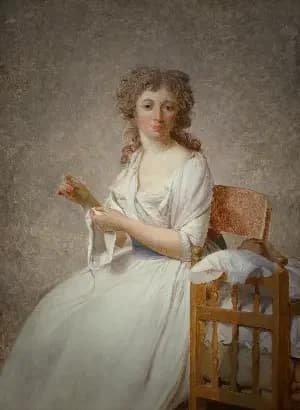
The Vignette tool subtly draws focus to the subject by darkening or lightening the edges of an image. Adjust the Radius to control how far the vignette extends toward the center, Softness to define how gradually it blends into the image, and Strength to set the intensity of the effect. These controls allow precise, non-destructive shaping of visual emphasis and mood.
Warmth Adjust
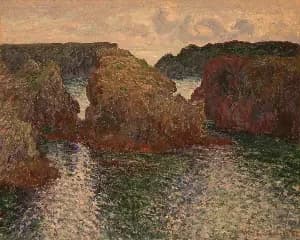
Warmth adjusts the color temperature of your image to make it feel cooler or warmer by simulating different lighting conditions. Slide right for golden, cozy tones and left for cooler, crisper tones—while keeping neutrals and skin tones balanced.
Zoom Blur
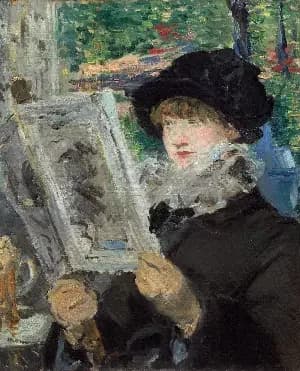
Zoom Blur simulates the effect of a camera zooming during exposure, creating streaks that radiate outward from a specified center point. The center remains relatively sharp while surrounding areas blur along radial lines. The strength parameter controls how pronounced the motion and streaking appear.