Image to Square with Blur Online
Click to get startedDrop your image here
tap to choose a fileor click to browse
What you can expect
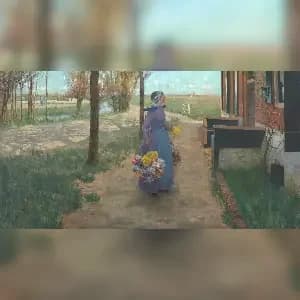
Convert any image to a perfect square without cropping. This tool automatically adds a blurred version of your photo as the background, creating a clean 1:1 aspect ratio ideal for Instagram, social media posts, thumbnails, and profile pictures.
Related tools
More BrushCue tools that fit this workflow.
Image to Video
Convert any image into a video instantly. Upload a photo, choose the duration, and generate a video where every frame is your image. Simple, fast, and perfect for social media, presentations, podcasts, and looping visuals.
Scale by Factor
Let's you scale your image uniformly by a factor of your choice. You can both increase and decrease the size of your image using this tool.


Included in collections
Browse by category
Online Image Framing & Border Tools
→Frequently asked questions
- How to make an image square without cropping?
- Select your file and the tool fits it into a square canvas with a blurred copy of the image behind it.
- What does Image to Square with Blur do?
- It preserves the full original image while filling the empty square space with a softened background version.
- Is this useful for Instagram posts?
- Yes, it creates a 1:1 square image that works well for Instagram, thumbnails, profile images, and social posts.
- What file formats can I export?
- You can export as PNG, JPEG, WebP, TIFF, BMP, or HEIC.
- Is this tool free to use?
- Yes — completely free, no account needed. Your images are processed entirely in your browser and never uploaded to a server. Downloads have no watermarks.
For developers
Use Image to Square with Blur from Python
Open the Jupyter notebook example to see how to run this tool from the BrushCue Python API, inspect the processing steps, and adapt the workflow for scripts or batch image jobs.
View Python notebookBuild your own
Create projects with your custom presets
Sign in to save work, organize projects, and keep your favorite tool setups ready to go.
Sign in to create projects