Online Image Framing & Border Tools
Add borders, frames, and finishing touches to your images with BrushCue's free framing tools. Perfect for social media, print, and presentations.
Borders & Frames
These tools add a border or frame around your image.
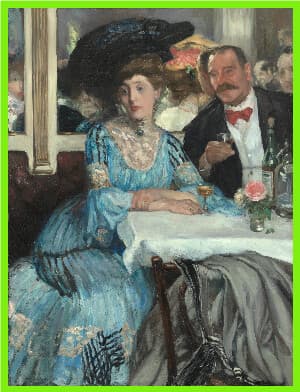
Add Frame
Add a solid-color frame around an image without cropping or scaling it. Choose the frame color and set its thickness in pixels.
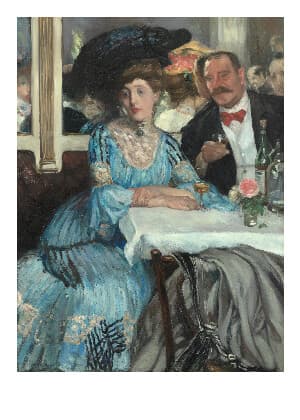
Polaroid Frame
Add a white Polaroid-style frame with a thicker bottom border. Preserve your entire photo without cropping or scaling, and adjust the frame size with one slider.
Edge Effects
These tools apply an effect to the edges of your image.
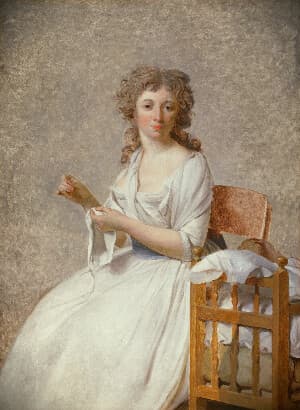
Cropping & Shape
These tools reshape or reformat your image.
Scale by Factor
Lets you scale your image uniformly by a factor of your choice. You can both increase and decrease the size of your image using this tool.
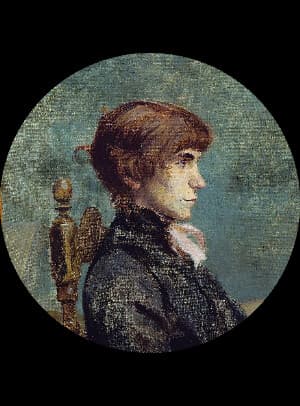
Circle Crop
Crop an image into a perfect circle with transparent corners. Slide the crop along the image’s longer side to position the subject for a profile picture, avatar, or logo.
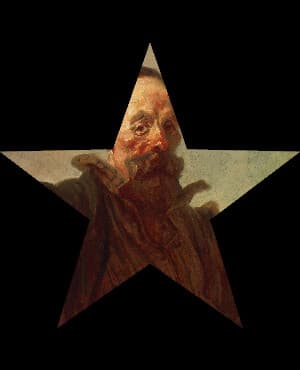
Star Cut Out
Crop an image into a five-point star with a transparent background. Use it to make stickers, badges, overlays, and decorative image elements.
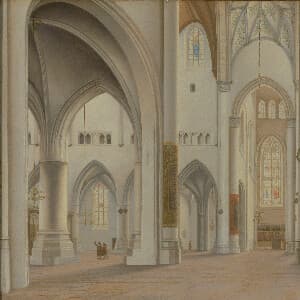
Square Crop
Crop any photo into a perfect 1:1 square for profile pictures and social posts. Slide the position control to frame the subject, then export.
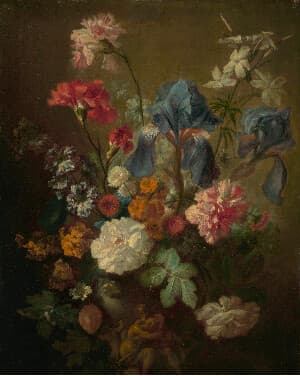
4:5 Crop
Crop any photo to a 4:5 portrait frame, ideal for Instagram posts. Slide the position control to frame the subject, then export.
16:9 Crop
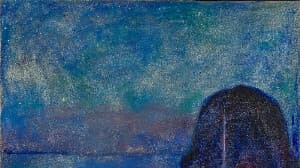
Crop any photo to a 16:9 widescreen frame for video thumbnails and presentations. Slide the position control to frame the subject, then export.
9:16 Crop
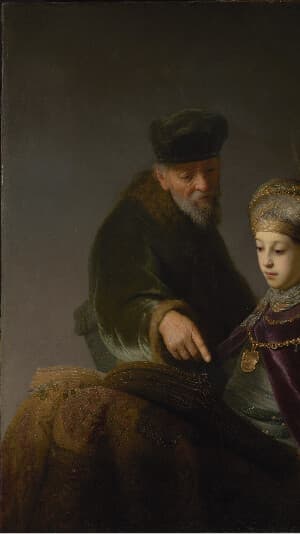
Crop any photo to a 9:16 vertical frame for stories, reels, and phone wallpapers. Slide the position control to frame the subject, then export.
Crop to Subject
Automatically crop a photo around its main subject. The subject is detected for you, and a padding slider controls how much of the surroundings to keep.
Canvas & Opacity
Fit photos to a canvas, create flat image elements, or adjust transparency for layouts and composites.
Fit Image to Canvas
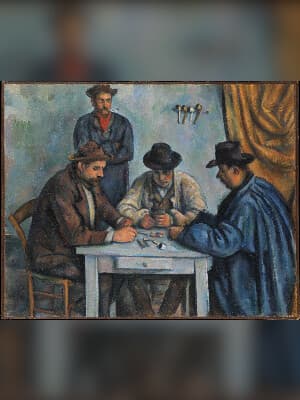
Fit your whole photo into a square, widescreen, or portrait canvas without cropping or stretching the foreground. Fill the surrounding space with a blurred copy and adjust background brightness and foreground scale privately in your browser.
Color Rectangle
Create a solid color image by specifying the color and dimensions. Ideal for testing palettes, layout placeholders, and visual design work.
Opacity Scale
Applies a scalar to the alpha component of your image making your image transparent to that scale.