BrushCue
Free and private, browser-based image editing tools for clean exports—no logins, no watermarks, no installs, no uploads, no ads.
Featured tools
Quick previews of our most popular tools.
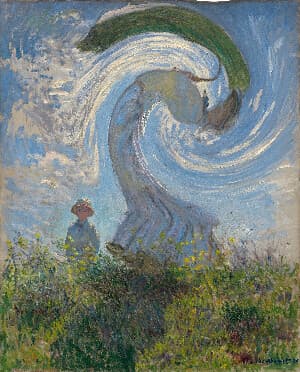
Swirl
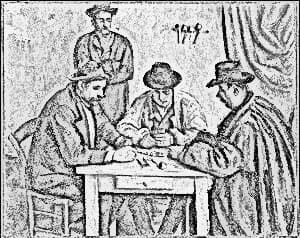
Creates a swirl effect at a point you choose in your image. Control the magnitude of the effect with an angle given in radians and the radius of the effect.
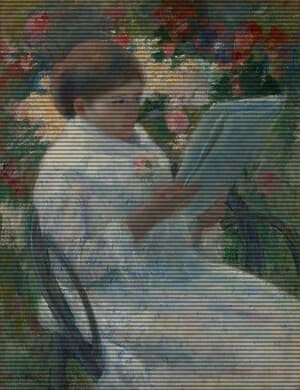
CRT Monitor Filter
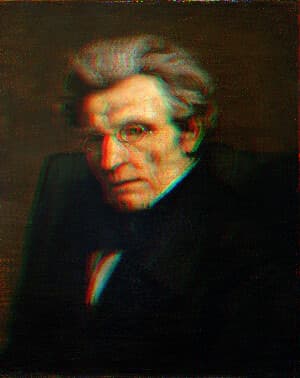
Apply an authentic retro CRT screen effect to any image with adjustable scanlines, RGB color separation, screen curvature, vignette, noise, saturation, contrast, and glow. This BrushCue CRT tool recreates the look of vintage televisions, arcade monitors, VHS displays, and old computer screens while keeping the effect fully customizable for subtle analog texture or intense retro distortion.
Updates
Latest from the blog
2026-10-10
It's Just Paint By Number
By Anthony Dito
Follow color from a screen's RGB light, through the LMS cone cells of the eye, to the perceptual LAB color in the brain, and learn why HSV is not a perceptual color format.
2026-09-28
Animated Brushes Are Coming Soon
By Anthony Dito
Animated brushes are coming soon to BrushCue: strokes whose look evolves over time.
2026-09-27
From LMS to OkLab
By Anthony Dito
Learn how LMS cone responses are converted into OkLab lightness and opponent color axes with a signed cube root and a matrix transformation.