Photo to Pencil Sketch — Create a Drawing Effect Online
Click to get startedDrop your image here
tap to choose a fileor click to browse
What you can expect
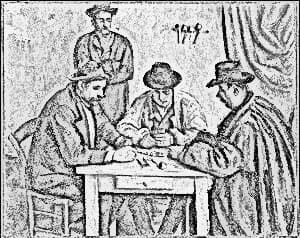
Turn any photo into a pencil sketch with graphite linework, soft shading, and subtle paper texture. Adjust detail size and darkness, or add color for a colored-pencil effect. Edit privately in your browser.
Related tools
More BrushCue tools that fit this workflow.
Emboss
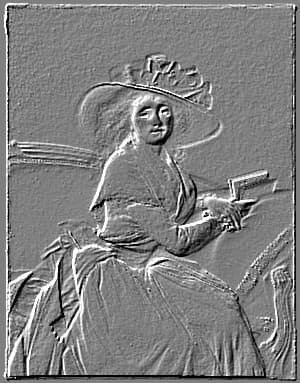
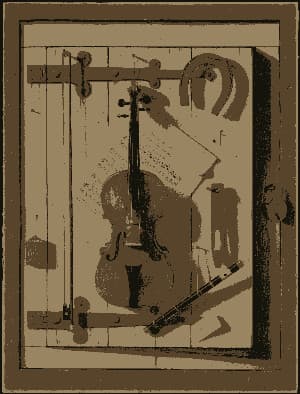
Turn any photo into a raised relief with this browser-based emboss effect. Choose the light angle, set the amount and depth of the relief, and flip it to deboss for a pressed-in look. Keep the classic gray stone look or turn off grayscale to preserve color hints. Great for textures, stamps, metal and paper effects.
Halftone
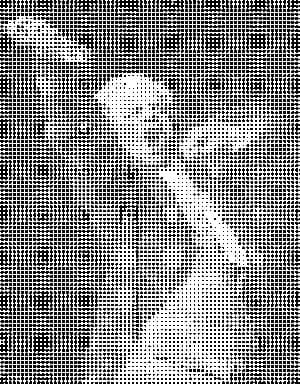
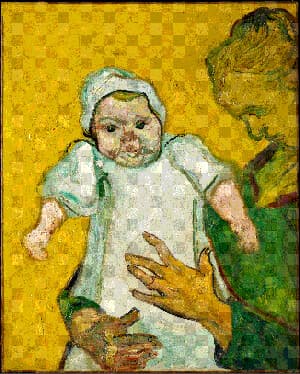
Generates a halftone effect. Composes your image of a bunch of dots of sizes corresponding to the brightness of each area. Control the dot and background color, the size of the regions and a contrast adjustment to make this effect look exactly how you want it.
Included in collections
Browse by category
Online Artistic Photo Effects
→Frequently asked questions
- How do I turn a photo into a pencil sketch?
- Choose your photo, then adjust Detail Size and Darkness to control the drawing. Add Paper Texture for a graphite-on-paper finish, and download your sketch.
- Can I create a colored pencil effect?
- Yes. Increase Color Amount to bring the original photo's colors into the pencil drawing. Leave it at zero for a graphite sketch.
- Which photos work well for pencil sketches?
- Portraits, pets, and buildings with clear lighting and distinct features work well. For busy textures, try a smaller Detail Size or lower Darkness to keep the drawing light.
- Does Pencil Sketch preserve transparency?
- Yes. The sketch keeps the original image's transparency and dimensions. Paper Texture adds texture to visible pixels without filling transparent areas.
- Is my photo uploaded to a server?
- No. Pencil Sketch processes your photo locally in your browser, with no login or watermark.
- What file formats can I export?
- You can export as PNG, JPEG, WebP, TIFF, BMP, or HEIC.
- Is this tool free to use?
- Yes — completely free, no account needed. Your images are processed entirely in your browser and never uploaded to a server. Downloads have no watermarks.
For developers
Use Pencil Sketch from Python
Open the Jupyter notebook example to see how to run this tool from the BrushCue Python API, inspect the processing steps, and adapt the workflow for scripts or batch image jobs.
View Python notebookBuild your own
Create projects with your custom presets
Save work, organize projects, and keep your favorite tool setups ready to go. No login required — everything is stored privately on your computer.
Go to projects