Online Artistic Photo Effects
Transform photos into expressive drawings and graphic art with BrushCue's adjustable, browser-based artistic effects.
Painting
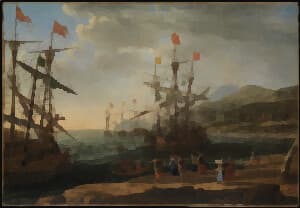
Turn photographic detail into soft pigment washes and textured painted artwork.
Drawing & Relief
Create pencil drawings or raised relief from the details in your image.
Pencil Sketch
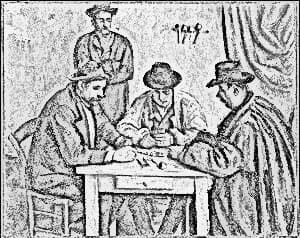
Turn any photo into a pencil sketch with graphite linework, soft shading, and subtle paper texture. Adjust detail size and darkness, or add color for a colored-pencil effect. Edit privately in your browser.
Emboss
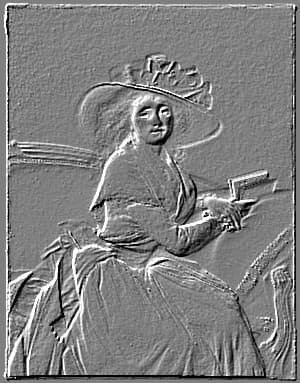
Turn any photo into a raised relief with this browser-based emboss effect. Choose the light angle, set the amount and depth of the relief, and flip it to deboss for a pressed-in look. Keep the classic gray stone look or turn off grayscale to preserve color hints. Great for textures, stamps, metal and paper effects.
Print & Graphic
Build graphic artwork with dots, limited palettes, and bold color.
Halftone
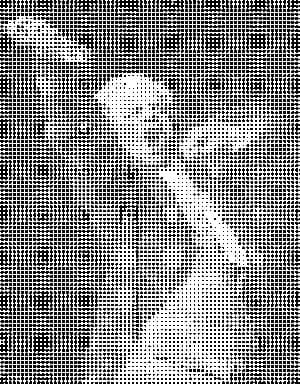
Generates a halftone effect. Composes your image of a bunch of dots of sizes corresponding to the brightness of each area. Control the dot and background color, the size of the regions and a contrast adjustment to make this effect look exactly how you want it.
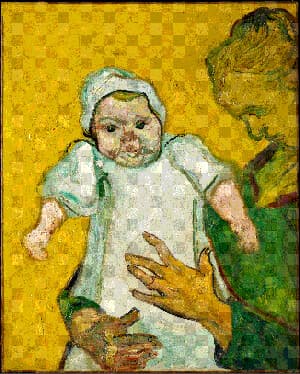
Dithering Effect
Apply an ordered Bayer dithering pattern to any image. Choose the number of color levels, set the pixel size of the pattern, and blend the effect with the original.
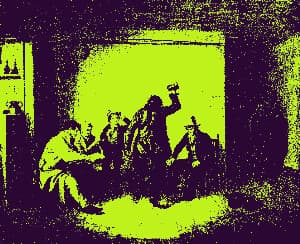
Duotone Effect
Map image shadows and highlights to two custom colors with contrast-boosted lightness curves for rich, professional color grading.
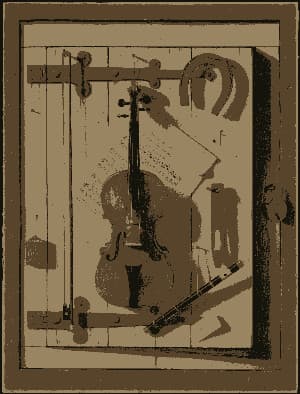
Color Reducer
Reduce the number of colors in an image while preserving visual quality. Useful for creating stylized images, optimizing for web, or preparing assets for limited-color displays.