Photo to Pop Art — Create a Colorful Poster Effect Online
Click to get startedDrop your image here
tap to choose a fileor click to browse
What you can expect
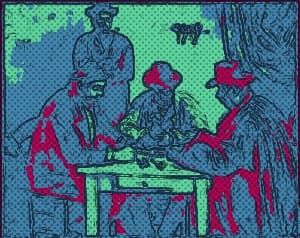
Turn photos into bold pop art with vivid palette presets, flat color regions, ink outlines, and optional halftone dots. Adjust colors and print texture privately in your browser.
Related tools
More BrushCue tools that fit this workflow.
Halftone
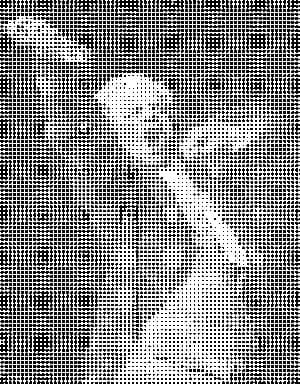
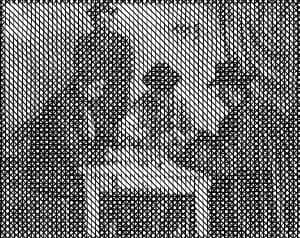
Generates a halftone effect. Composes your image of a bunch of dots of sizes corresponding to the brightness of each area. Control the dot and background color, the size of the regions and a contrast adjustment to make this effect look exactly how you want it.
Duotone Effect
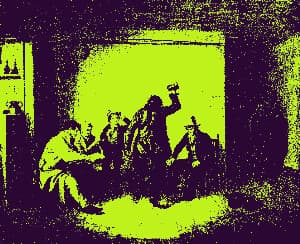
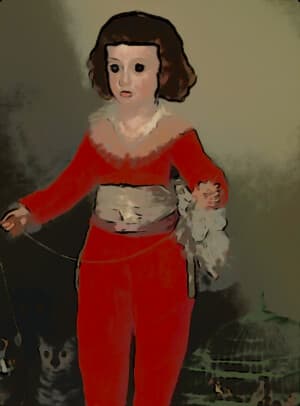
Map image shadows and highlights to two custom colors with contrast-boosted lightness curves for rich, professional color grading.
Included in collections
Browse by category
Online Artistic Photo Effects
→Frequently asked questions
- How do I turn a photo into pop art?
- Choose your photo, select a Palette, and adjust Color Levels to simplify the image into flat color regions. Outline Strength adds comic-style ink contours, and Halftone Amount adds print dots.
- Which palettes are available?
- Palette 0 uses pink, cyan, and yellow. Palette 1 uses navy, red, and cream. Palette 2 uses purple, lime, and peach. Move the Palette slider to switch between them.
- What does Color Levels change?
- Lower values produce fewer, bolder color regions. Higher values retain more tonal detail. The selected palette maps shadows, midtones, and highlights to vivid colors.
- Can I remove the outlines or dots?
- Yes. Set Outline Strength to zero for clean color blocks, or Halftone Amount to zero for a smooth poster finish.
- Does Pop Art preserve transparency and keep my photo private?
- Yes. Pop Art keeps the original dimensions and transparency and processes your photo locally in your browser, with no upload, login, or watermark.
- What file formats can I export?
- You can export as PNG, JPEG, WebP, TIFF, BMP, or HEIC.
- Is this tool free to use?
- Yes — completely free, no account needed. Your images are processed entirely in your browser and never uploaded to a server. Downloads have no watermarks.
Build your own
Create projects with your custom presets
Save work, organize projects, and keep your favorite tool setups ready to go. No login required — everything is stored privately on your computer.
Go to projects