Duotone Effect Online
Click to get startedDrop your image here
tap to choose a fileor click to browse
What you can expect
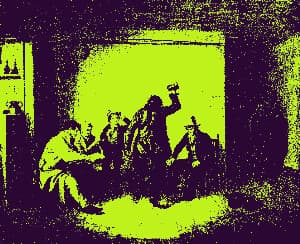
Map image shadows and highlights to two custom colors with contrast-boosted lightness curves for rich, professional color grading.
Related tools
More BrushCue tools that fit this workflow.
Shadow Tint
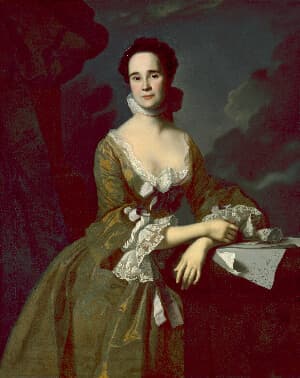
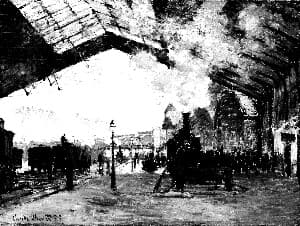
This tool applies a selective chroma shift to shadow areas of an image, allowing you to add color offset (shifts in red and blue channels) specifically to the darker regions. Use it to create stylized color grading effects or enhance shadow details with custom color adjustments while preserving the highlights and midtones.
Rose Tint
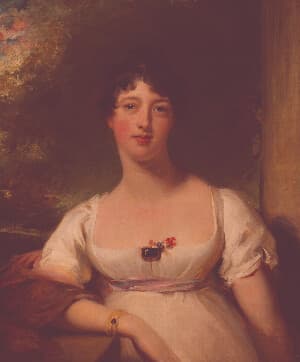
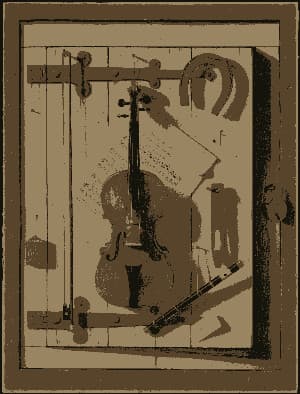
Apply a rose tinted effect to your images. Great for expressions of love or to celebrate Valentine’s Day.
Included in collections
Browse by category
Online Image Color Adjustment Tools
→Online Color Effect Tools
→Related posts
Read more about Duotone Effect
2026-07-19
BrushCue 1.2.8 Release Notes
By Anthony Dito
BrushCue 1.2.8 adds profile-aware painter colors, corrects alpha compositing for painted content, introduces a new duotone effect, and adds a set of color-representation graph nodes.
2026-05-21
Image Editing in Python: Introducing BrushCue v1.0.0
By Anthony Dito
The Python image editing ecosystem is weak. Tasks that are trivial with desktop tools are at best cumbersome with Python. BrushCue v1.0.0 is ready, and the Python ecosystem gains Photoshop-esque image editing capabilities.
Frequently asked questions
- How to make a duotone image?
- Select your file, choose the two colors, and export the duotone result.
- What does a duotone effect do?
- It remaps image shadows and highlights to two chosen colors, creating a bold graphic color grade while preserving tonal structure.
- What colors work best for duotone?
- Choose two colors with clear contrast. A darker color and a lighter color usually preserve image detail best.
- What file formats can I export?
- You can export as PNG, JPEG, WebP, TIFF, BMP, or HEIC.
- Is this tool free to use?
- Yes — completely free, no account needed. Your images are processed entirely in your browser and never uploaded to a server. Downloads have no watermarks.
For developers
Use Duotone Effect from Python
Open the Jupyter notebook example to see how to run this tool from the BrushCue Python API, inspect the processing steps, and adapt the workflow for scripts or batch image jobs.
View Python notebookBuild your own
Create projects with your custom presets
Sign in to save work, organize projects, and keep your favorite tool setups ready to go.
Sign in to create projects