Online Color Effect Tools
Create bold color transformations, inverted looks, monochrome styles, and stylized photo effects with BrushCue's browser-based color effect tools.
Inversion & Solarization
These tools reverse or partially reverse image colors for negative and solarized effects.
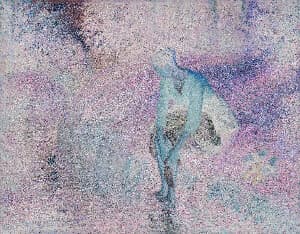
Negative Filter
With this tool, you can invert the colors of your image to produce an effect that makes your image look like a photo negative.
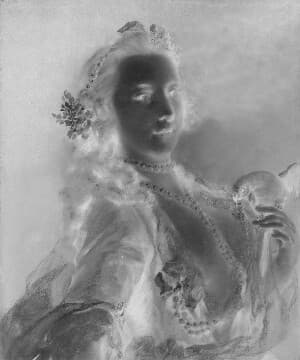
Black and White Negative Filter
This tool creates a retro effect of a black and white negative of an image.
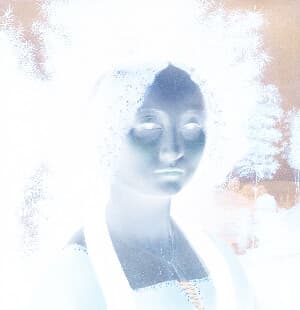
Color Invert
Invert Image Colors is a simple online tool that instantly reverses all colors in an image, creating a negative effect. Upload an image to invert light and dark values directly in your browser—no downloads required.
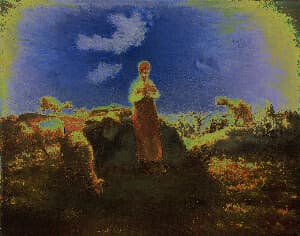
Solarize
Apply a stunning solarize effect to your images online for free. Our tool inverts colors above a brightness threshold, producing eye-catching, high-contrast photos with a surreal look. Enjoy fast processing, adjustable settings, and secure browser-based editing with no uploads stored.
Black & White Looks
These tools convert color images into monochrome or vintage tonal styles.
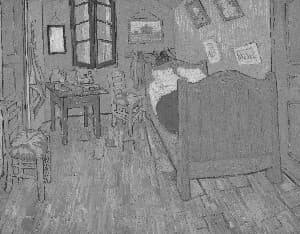
Grayscale
Convert photos to black and white instantly with this browser-based grayscale tool. Great for classic effects and tonal experimentation.
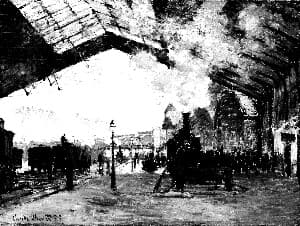
High Contrast Grayscale
This tool applies an S-Curve to the grayscale of an image. Doing so increases the contrast between the light and dark areas, giving a more stark grayscale effect.
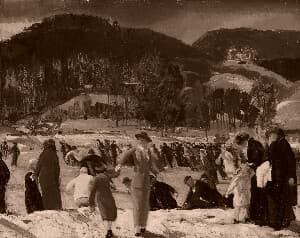
Sepia
Convert any image to warm, classic sepia tones in seconds. This sepia image converter adds a vintage look with rich brown hues, perfect for photography, design, and creative projects.
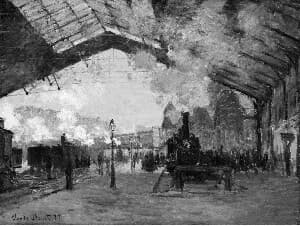
Sootline Mono
A forceful monochrome treatment with deep blacks, bright paper whites, compressed midtones, sharp grain, and editorial contrast.
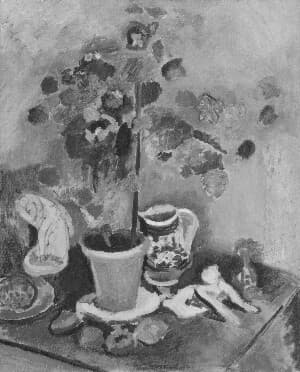
Milk Glass
A luminous low-contrast monochrome with pale grays, preserved shadow detail, a soft bloom veil, and fine-art grain.
Creative Color Styles
These tools apply stylized color treatments for a more expressive look.
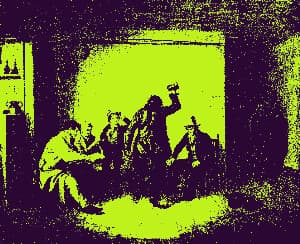
Duotone Effect
Map image shadows and highlights to two custom colors with contrast-boosted lightness curves for rich, professional color grading.
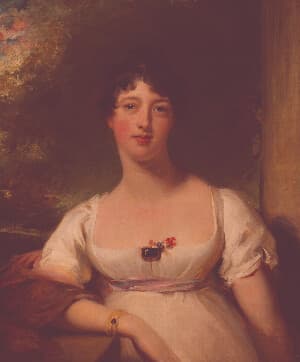
Rose Tint
Apply a rose tinted effect to your images. Great for expressions of love or to celebrate Valentine’s Day.
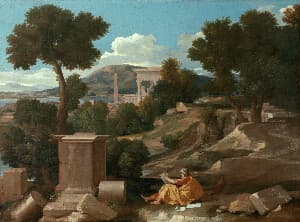
RGB Color Mix Aesthetic
Blends green into reds and blues to soften color separation and create a subtle, warm film-like balance. Control the strength of the effect using this tool.
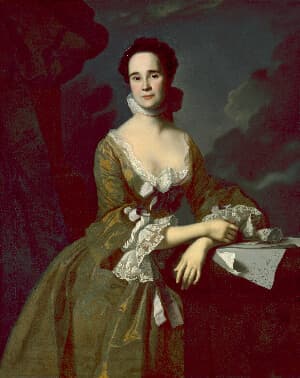
Shadow Tint
This tool applies a selective chroma shift to shadow areas of an image, allowing you to add color offset (shifts in red and blue channels) specifically to the darker regions. Use it to create stylized color grading effects or enhance shadow details with custom color adjustments while preserving the highlights and midtones.
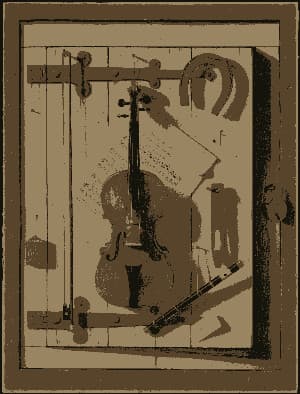
Color Reducer
Reduce the number of colors in an image while preserving visual quality. Useful for creating stylized images, optimizing for web, or preparing assets for limited-color displays.
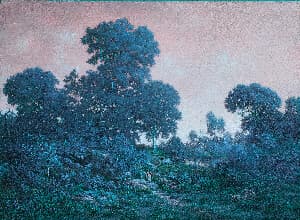
Custom Color Shader
Write your own color transformer shader to change every pixel of an image. Choose the input and output color space, then write a short WGSL function body to create effects like sepia, hue shifts, channel swaps, posterization, and more.