Invert Image Colors Online
Click to get startedDrop your image here
tap to choose a fileor click to browse
What you can expect
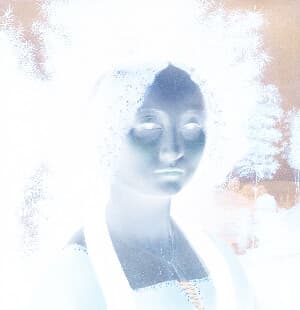
Invert Image Colors is a simple online tool that instantly reverses all colors in an image, creating a negative effect. Upload an image to invert light and dark values directly in your browser—no downloads required.
Related tools
More BrushCue tools that fit this workflow.

Included in collections
Browse by category
Online Scientific Image Processing Tools
→Online Glitch & Digital Effects
→Online Color Effect Tools
→Frequently asked questions
- How to invert the colors of an image?
- Select your file and the colors are inverted instantly — no additional settings are needed.
- What does inverting image colors do?
- It converts the image to linear RGB, then replaces each channel value with its opposite for a physically linear inversion.
- Is this the same as Photoshop's Invert (Ctrl+I)?
- Yes — both replace each channel value with its opposite. In Photoshop the shortcut is Ctrl+I on Windows or Cmd+I on Mac.
- What file formats can I export?
- You can export as PNG, JPEG, WebP, TIFF, BMP, or HEIC.
- Is this tool free to use?
- Yes — completely free, no account needed. Your images are processed entirely in your browser and never uploaded to a server. Downloads have no watermarks.
For developers
Use Color Invert from Python
Open the Jupyter notebook example to see how to run this tool from the BrushCue Python API, inspect the processing steps, and adapt the workflow for scripts or batch image jobs.
View Python notebookBuild your own
Create projects with your custom presets
Save work, organize projects, and keep your favorite tool setups ready to go. No login required — everything is stored privately on your computer.
Go to projects