Apply Black and White Negative Filter to Image Online
Click to get startedDrop your image here
tap to choose a fileor click to browse
What you can expect
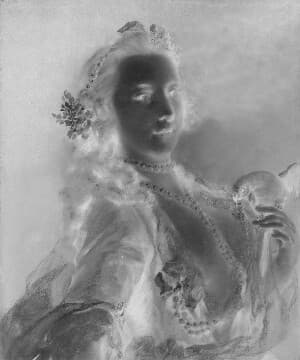
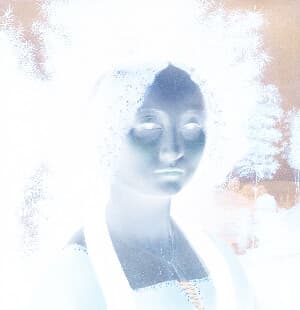
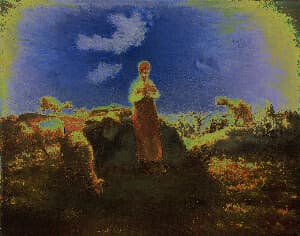
This tool creates a retro effect of a black and white negative of an image.
Related tools
More BrushCue tools that fit this workflow.
Included in collections
Browse by category
Online Retro Effects
→Online Black and White Tools
→Online Color Effect Tools
→Frequently asked questions
- How to make a black and white negative?
- Select your image and the tool creates a monochrome negative effect automatically.
- What does a black and white negative filter do?
- It removes color, then reverses the tonal values so whites become black and dark areas become light.
- How is this different from Negative Filter?
- Negative Filter reverses full color. Black and White Negative Filter first creates a monochrome image, then applies the negative look.
- What file formats can I export?
- You can export as PNG, JPEG, WebP, TIFF, BMP, or HEIC.
- Is this tool free to use?
- Yes — completely free, no account needed. Your images are processed entirely in your browser and never uploaded to a server. Downloads have no watermarks.
For developers
Use Black and White Negative Filter from Python
Open the Jupyter notebook example to see how to run this tool from the BrushCue Python API, inspect the processing steps, and adapt the workflow for scripts or batch image jobs.
View Python notebookBuild your own
Create projects with your custom presets
Save work, organize projects, and keep your favorite tool setups ready to go. No login required — everything is stored privately on your computer.
Go to projects