Online Retro Effects
BrushCue offers a variety of tools that can give your images a retro feel.
Styles
These tools apply a more comprehensive retro style to your image.
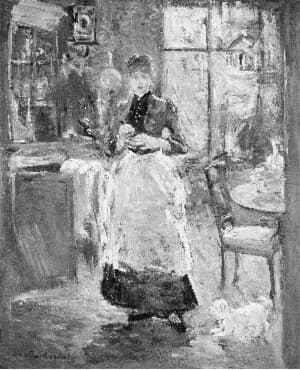
Film Noir
Applies our film noir effect to your image. Use this to give an edgy retro black and white effect. Internally, applies a grain, converts to black and white, increases contrast, applies a slight blur and a vignette.
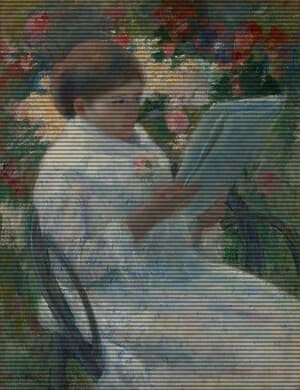
CRT Monitor Filter
Apply an authentic retro CRT screen effect to any image with adjustable scanlines, RGB color separation, screen curvature, vignette, noise, saturation, contrast, and glow. This BrushCue CRT tool recreates the look of vintage televisions, arcade monitors, VHS displays, and old computer screens while keeping the effect fully customizable for subtle analog texture or intense retro distortion.
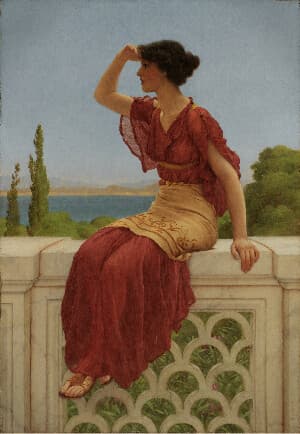
Vintage Filter
Give your photos a warm aged look with lifted reds, muted blues, soft grain, and a gentle vignette — like a well-kept print from decades ago.
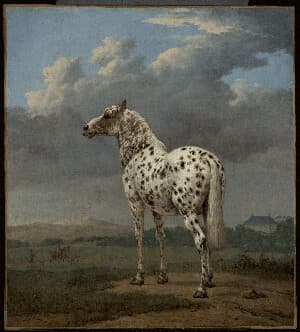
Fade Filter
Wash your image in soft faded tones with lifted blacks, lowered contrast, and muted colors for a dreamy sun-bleached film look.
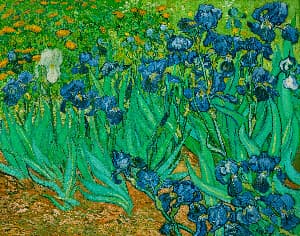
Cross Process Filter
Mimic cross-processed film with punchy contrast, boosted saturation, and shifted color curves for bold green shadows and warm highlights.
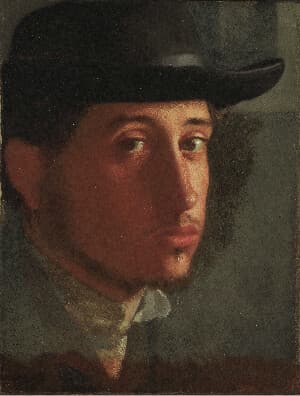
Matte Filter
Flatten contrast with lifted blacks and muted tones for a modern matte finish, finished with subtle grain and vignette.
Color
These tools modify only the color of your images to give them a retro feel.
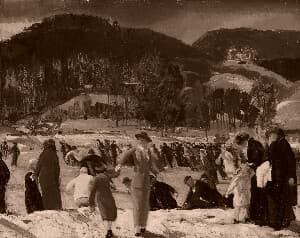
Sepia
Convert any image to warm, classic sepia tones in seconds. This sepia image converter adds a vintage look with rich brown hues, perfect for photography, design, and creative projects.
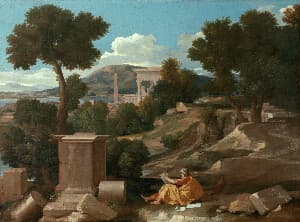
RGB Color Mix Aesthetic
Blends green into reds and blues to soften color separation and create a subtle, warm film-like balance. Control the strength of the effect using this tool.
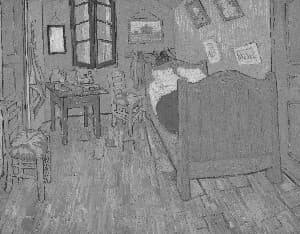
Grayscale
Convert photos to black and white instantly with this browser-based grayscale tool. Great for classic effects and tonal experimentation.
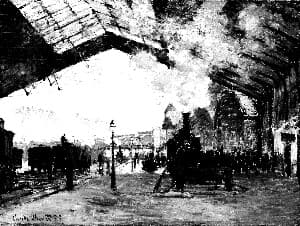
High Contrast Grayscale
This tool applies an S-Curve to the grayscale of an image. Doing so increases the contrast between the light and dark areas, giving a more stark grayscale effect.
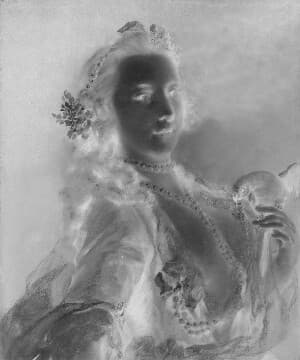
Black and White Negative Filter
This tool creates a retro effect of a black and white negative of an image.
Components
These tools add one component of a retro aesthetic to your images. You can combine them to make your own effects.
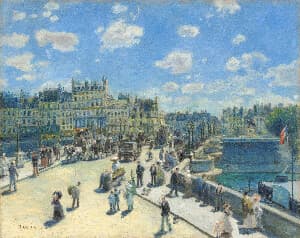
Film Grain
Creates a film grain effect over your image. Control the intensity and the frequency of the effect. Great for giving a nostalgic and candid aesthetic to your image.
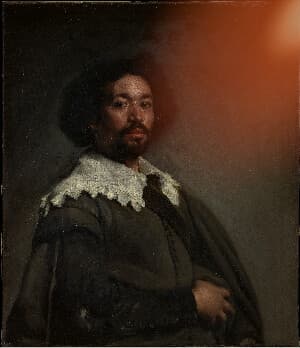
Light Leak
Add a soft analog light leak to any image. Position a warm translucent flare around the edge, then adjust its intensity, spread, and warmth for a sun-kissed film look.
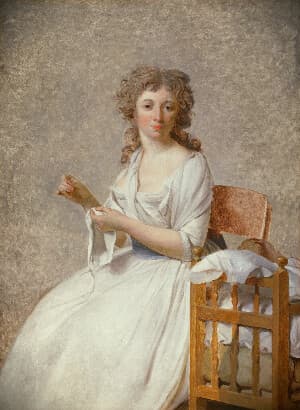
Vignette
The Vignette tool subtly draws focus to the subject by darkening or lightening the edges of an image. Adjust the Radius to control how far the vignette extends toward the center, Softness to define how gradually it blends into the image, and Strength to set the intensity of the effect. These controls allow precise, non-destructive shaping of visual emphasis and mood.
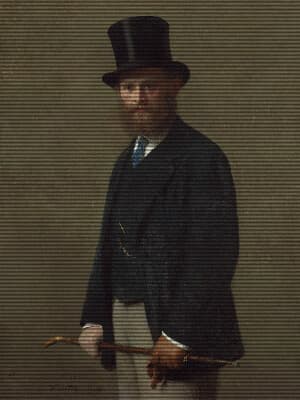
Scan Lines
Add scan lines to your image with this tool. Control the intensity, offset, power and size to achieve your perfect retro look.
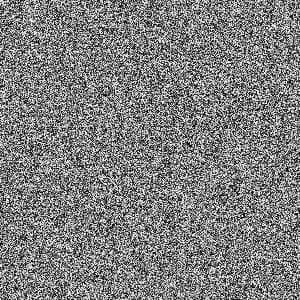
Static Noise
Generate a grayscale static noise image from a seed. Set the image width and height, then export a repeatable noise texture without uploading a source image.
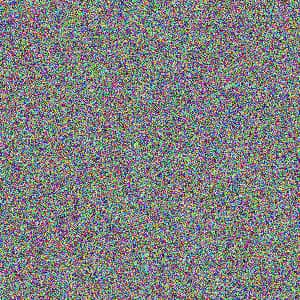
TV Static Animation
Generate a TV static noise animation with or without color. Set the dimensions, duration, and color toggle, then export a looping static video without uploading a source image.