Add Scan Lines to Image Online
Click to get startedDrop your image here
tap to choose a fileor click to browse
What you can expect
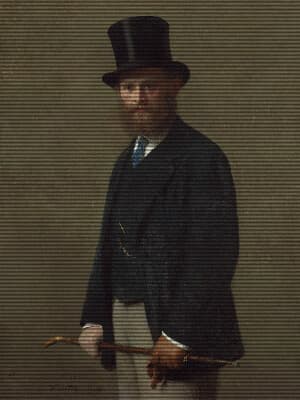
Add scan lines to your image with this tool. Control the intensity, offset, power and size to achieve your perfect retro look.
Related tools
More BrushCue tools that fit this workflow.
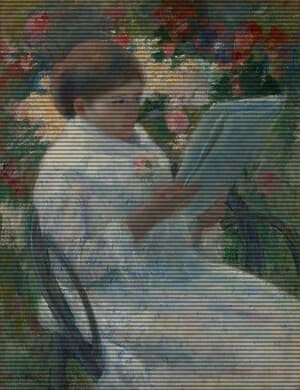
CRT Monitor Filter
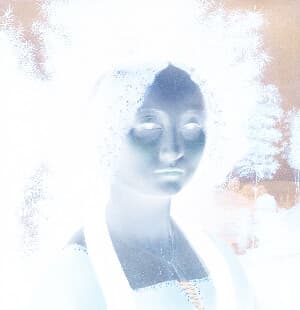
Apply an authentic retro CRT screen effect to any image with adjustable scanlines, RGB color separation, screen curvature, vignette, noise, saturation, contrast, and glow. This BrushCue CRT tool recreates the look of vintage televisions, arcade monitors, VHS displays, and old computer screens while keeping the effect fully customizable for subtle analog texture or intense retro distortion.
Film Grain
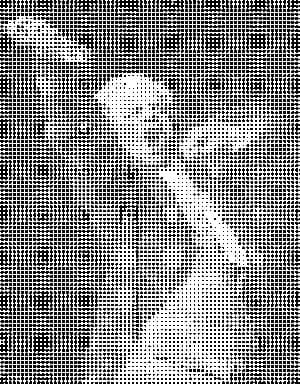
Creates a film grain effect over your image. Control the intensity and the frequency of the effect. Great for giving a nostalgic and candid aesthetic to your image.
Included in collections
Browse by category
Online Retro Effects
→Online Glitch & Digital Effects
→Frequently asked questions
- How to add scan lines to an image?
- Select your file, then adjust the line size, offset, power, and intensity until the retro screen texture looks right.
- What are scan lines?
- Scan lines are horizontal bands that mimic the visible row structure of old CRT displays and analog video screens.
- How is Scan Lines different from CRT Monitor Filter?
- Scan Lines adds the line pattern only. CRT Monitor Filter combines scan lines with curvature, glow, noise, vignette, and color separation.
- What file formats can I export?
- You can export as PNG, JPEG, WebP, TIFF, BMP, or HEIC.
- Is this tool free to use?
- Yes — completely free, no account needed. Your images are processed entirely in your browser and never uploaded to a server. Downloads have no watermarks.
For developers
Use Scan Lines from Python
Open the Jupyter notebook example to see how to run this tool from the BrushCue Python API, inspect the processing steps, and adapt the workflow for scripts or batch image jobs.
View Python notebookBuild your own
Create projects with your custom presets
Sign in to save work, organize projects, and keep your favorite tool setups ready to go.
Sign in to create projects