Online Glitch & Digital Effects
Create glitch, screen, scan line, color shift, and digital distortion effects with BrushCue's browser-based image tools.
Glitch Effects
These tools create chromatic shifts, animated glitches, and camera movement artifacts.
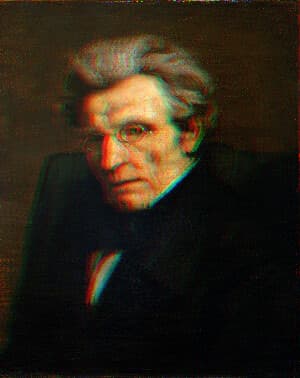
Glitch Filter Animation
Turn a still image into a looping glitch animation video online. Red and blue channels split apart and jitter in short bursts for a TikTok-style digital glitch, with sliders for displacement and edge overlap.
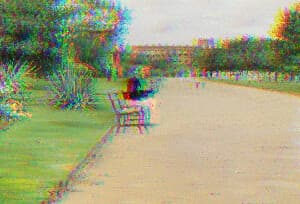
RGB Color Shift
An RGB Color Shift tool offsets the red, green, and blue channels to create a bold chromatic separation effect, producing the distinctive glitchy look popularized by the TikTok logo.
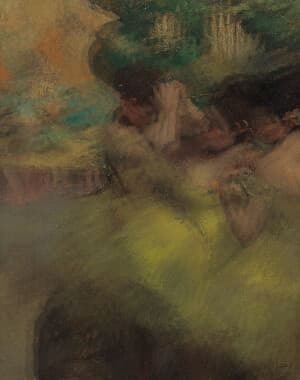
Camera Moving Distortion
Add camera motion blur to an image online by layering offset ghost copies of your photo over the original. The Intensity slider controls how strong the shake looks, from a subtle tremor to a dramatic double exposure.
Screen Effects
These tools recreate digital displays, scan lines, and high-contrast screen aesthetics.
CRT Monitor Filter
Apply a CRT monitor filter to any image online for a retro TV look. Adjust screen curvature, scanline density and strength, RGB separation, glow, static, and edge darkening, from subtle texture to arcade intensity.
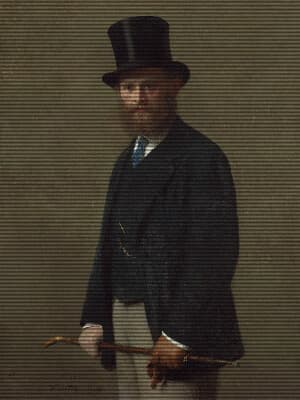
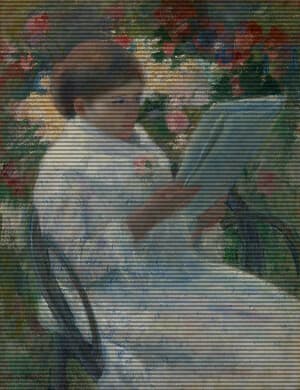
Scan Lines
Add scan lines to your image with this tool. Control the intensity, offset, power and size to achieve your perfect retro look.
Digital Color Effects
These tools create inverted, solarized, or stylized digital color treatments.
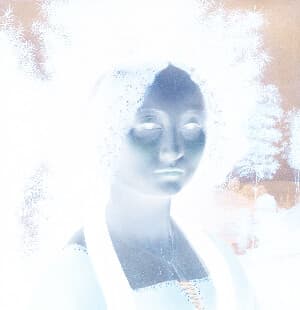
Color Invert
Invert Image Colors is a simple online tool that instantly reverses all colors in an image, creating a negative effect. Upload an image to invert light and dark values directly in your browser—no downloads required.
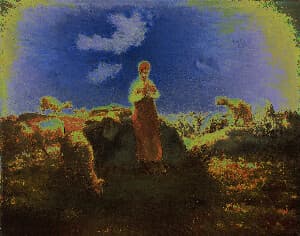
Solarize
Apply a stunning solarize effect to your images online for free. Our tool inverts colors above a brightness threshold, producing eye-catching, high-contrast photos with a surreal look. Enjoy fast processing, adjustable settings, and secure browser-based editing with no uploads stored.