Add Film Grain to Image Online
Click to get startedDrop your image here
tap to choose a fileor click to browse
What you can expect
Creates a film grain effect over your image. Control the intensity and the frequency of the effect. Great for giving a nostalgic and candid aesthetic to your image.
Related tools
More BrushCue tools that fit this workflow.
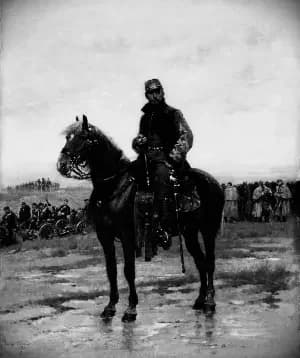
Film Noir
Applies our film noir effect to your image. Use this to give an edgy retro black and white effect. Internally, applies a grain, converts to black and white, increases contrast, applies a slight blur and a vignette.

Vignette
The Vignette tool subtly draws focus to the subject by darkening or lightening the edges of an image. Adjust the Radius to control how far the vignette extends toward the center, Softness to define how gradually it blends into the image, and Strength to set the intensity of the effect. These controls allow precise, non-destructive shaping of visual emphasis and mood.
Included in collections
Browse by category
Online Retro Effects
→Related posts
Read more about Film Grain
Frequently asked questions
- How to add film grain to an image?
- Select your file, set the grain intensity and frequency sliders to taste, then export.
- What does film grain do to an image?
- It overlays random noise patterns that mimic the organic grain texture of analog film photography.
- Is this like Lightroom's Film Grain or Photoshop's Add Noise?
- Similar to Lightroom's Grain — both add organic-looking noise texture. Photoshop's Add Noise is more uniform; this tool and Lightroom both aim for a natural analog film grain feel.
- What file formats can I export?
- You can export as PNG, JPEG, WebP, TIFF, BMP, or HEIC.
- Is this tool free to use?
- Yes — completely free, no account needed. Your images are processed entirely in your browser and never uploaded to a server. Downloads have no watermarks.
For developers
Use Film Grain from Python
Open the Jupyter notebook example to see how to run this tool from the BrushCue Python API, inspect the processing steps, and adapt the workflow for scripts or batch image jobs.
View Python notebookBuild your own
Create projects with your custom presets
Sign in to save work, organize projects, and keep your favorite tool setups ready to go.
Sign in to create projects