Apply Vintage Photo Filter Online
Click to get startedDrop your image here
tap to choose a fileor click to browse
What you can expect
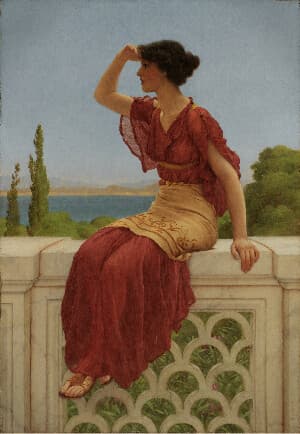
Give your photos a warm aged look with lifted reds, muted blues, soft grain, and a gentle vignette — like a well-kept print from decades ago.
Related tools
More BrushCue tools that fit this workflow.
Sepia
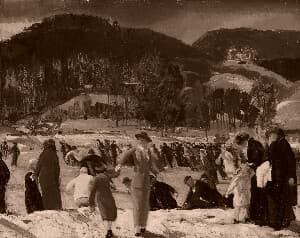
Convert any image to warm, classic sepia tones in seconds. This sepia image converter adds a vintage look with rich brown hues, perfect for photography, design, and creative projects.
Film Noir
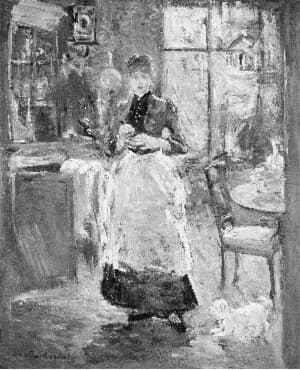
Applies our film noir effect to your image. Use this to give an edgy retro black and white effect. Internally, applies a grain, converts to black and white, increases contrast, applies a slight blur and a vignette.
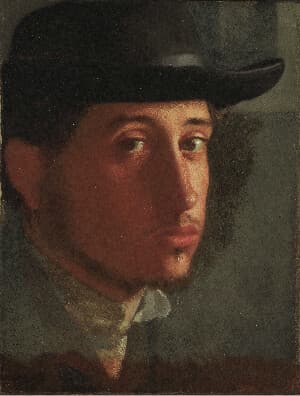
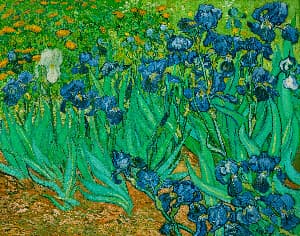
Included in collections
Browse by category
Online Retro Effects
→Frequently asked questions
- How do I make a photo look vintage?
- Select your file and the warm aged grade applies automatically, then dial the Intensity slider to blend it with the original.
- What does the Vintage Filter do?
- It warms reds, cools blues, softens saturation, and adds film grain plus edge vignette for an old-print feel.
- How is this different from Sepia?
- Sepia maps everything to one brown tone. Vintage keeps full color, only shifting its balance toward a warm aged palette.
- What file formats can I export?
- You can export as PNG, JPEG, WebP, TIFF, BMP, or HEIC.
- Is this tool free to use?
- Yes — completely free, no account needed. Your images are processed entirely in your browser and never uploaded to a server. Downloads have no watermarks.
Build your own
Create projects with your custom presets
Sign in to save work, organize projects, and keep your favorite tool setups ready to go.
Sign in to create projects