Convert Image to Sepia Online
Click to get startedDrop your image here
tap to choose a fileor click to browse
What you can expect
Convert any image to warm, classic sepia tones in seconds. This sepia image converter adds a vintage look with rich brown hues, perfect for photography, design, and creative projects.
Related tools
More BrushCue tools that fit this workflow.

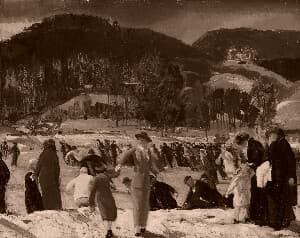
Vintage Filter
Give your photos a warm aged look with lifted reds, muted blues, soft grain, and a gentle vignette — like a well-kept print from decades ago.
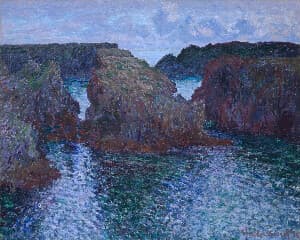
Warmth Adjust
Warmth adjusts the color temperature of your image to make it feel cooler or warmer by simulating different lighting conditions. Slide right for golden, cozy tones and left for cooler, crisper tones—while keeping neutrals and skin tones balanced.

Included in collections
Browse by category
Online Retro Effects
→Online Black and White Tools
→Online Color Effect Tools
→Frequently asked questions
- How to apply a sepia effect to a photo?
- Select your file and the sepia tone is applied automatically, converting to grayscale and tinting with warm brown hues.
- What is a sepia effect?
- Sepia converts an image to grayscale then tints it with warm brown tones, evoking the look of old analog photographs.
- Is sepia the same as grayscale?
- No. Grayscale removes all color; sepia replaces it with warm brown hues for a vintage, aged look.
- What file formats can I export?
- You can export as PNG, JPEG, WebP, TIFF, BMP, or HEIC.
- Is this tool free to use?
- Yes — completely free, no account needed. Your images are processed entirely in your browser and never uploaded to a server. Downloads have no watermarks.
For developers
Use Sepia from Python
Open the Jupyter notebook example to see how to run this tool from the BrushCue Python API, inspect the processing steps, and adapt the workflow for scripts or batch image jobs.
View Python notebookBuild your own
Create projects with your custom presets
Save work, organize projects, and keep your favorite tool setups ready to go. No login required — everything is stored privately on your computer.
Go to projects