Apply Sunday 76 Vintage Print Filter Online
Click to get startedDrop your image here
tap to choose a fileor click to browse
What you can expect
A sun-aged 1970s color-print treatment with honeyed whites, faded navies, olive greens, rusted reds, and fine paper-like grain.
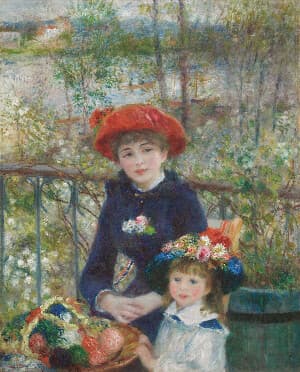
Related tools
More BrushCue tools that fit this workflow.
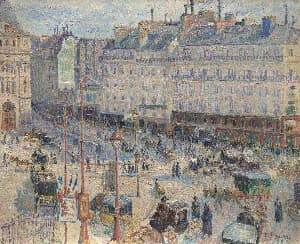
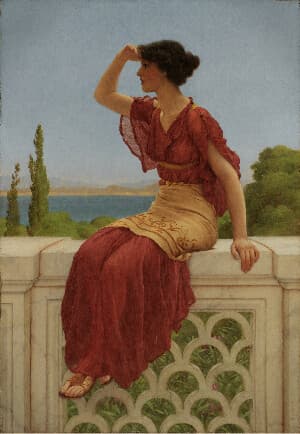
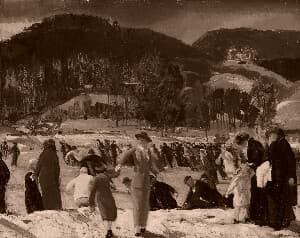
Included in collections
Browse by category
Online Retro Effects
→Frequently asked questions
- What era does Sunday 76 imitate?
- A mid-1970s color print: honeyed whites, faded navies, olive greens, and narrow album-aged dynamic range.
- How do I control the effect?
- Select your file and the grade applies fully, then lower Intensity to mix the aged print with the original.
- How is it different from Sepia?
- Sepia collapses everything to brown. Sunday 76 keeps full color with period-accurate faded dyes.
- What file formats can I export?
- You can export as PNG, JPEG, WebP, TIFF, BMP, or HEIC.
- Is this tool free to use?
- Yes — completely free, no account needed. Your images are processed entirely in your browser and never uploaded to a server. Downloads have no watermarks.
Build your own
Create projects with your custom presets
Sign in to save work, organize projects, and keep your favorite tool setups ready to go.
Sign in to create projects