Online Scientific Image Processing Tools
BrushCue offers a variety of precise image tools that are commonly used in scientific image processing.
Color
These tools precisely modify the color of your images.
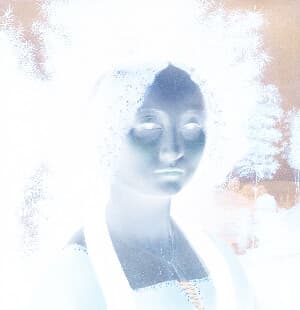
Color Invert
Invert Image Colors is a simple online tool that instantly reverses all colors in an image, creating a negative effect. Upload an image to invert light and dark values directly in your browser—no downloads required.
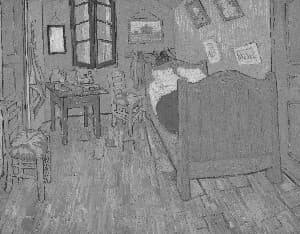
Grayscale
Convert photos to black and white instantly with this browser-based grayscale tool. Great for classic effects and tonal experimentation.
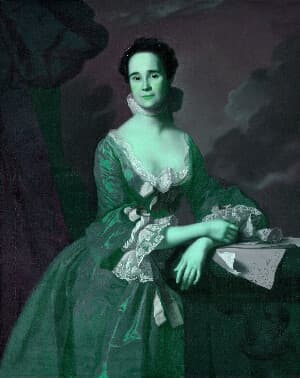
Linear Transform
Multiply the RGBA values of a pixel by a 4×4 matrix with this browser-based tool to apply precise, linear color transformations such as channel mixing, color correction, and custom effects, all without changing image geometry.
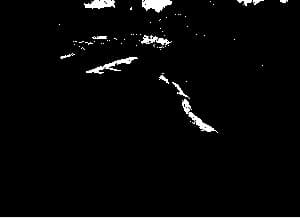
Color Threshold
This tool compares the linear R, G and B components of an image. If any item is below the threshold, it returns black. Otherwise, it returns white. Useful in computer vision tasks and stylistic effects.
Lightness Threshold
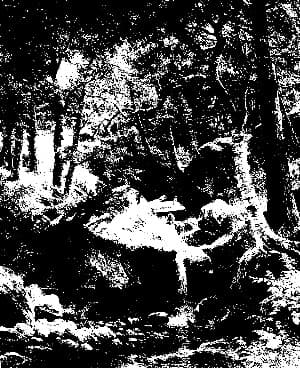
Applies a threshold to the OkLab L (lightness) component, analogous to how Color Threshold operates on individual RGB channels. This tool converts continuous tonal values into hard transitions, producing a stark, high-contrast, etching-like effect that emphasizes form and structure.
Solarize
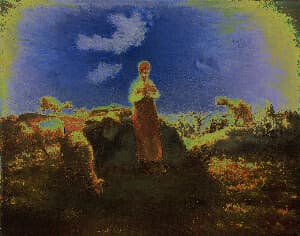
Apply a stunning solarize effect to your images online for free. Our tool inverts colors above a brightness threshold, producing eye-catching, high-contrast photos with a surreal look. Enjoy fast processing, adjustable settings, and secure browser-based editing with no uploads stored.
Morphological
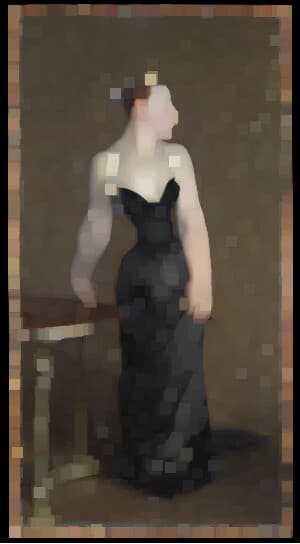
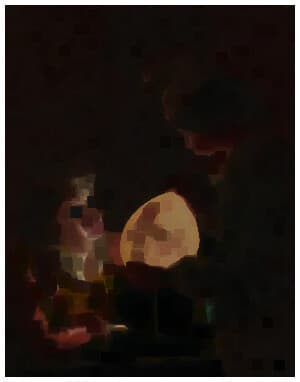
These tools modify the structure of your images.
Edge Detection
These tools extract the edges from your images.
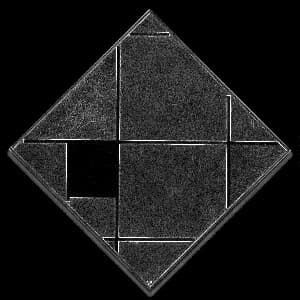
Sobel Edge Detection
Interactive, browser-based Sobel edge detection demo for research and experimentation. Upload images to visualize gradient-based edge detection in real time—ideal for learning, prototyping, and exploring computer vision concepts directly in the browser.
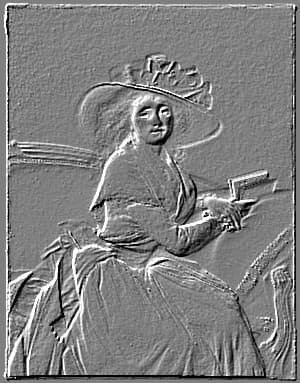
Emboss
Turn any photo into a raised relief with this browser-based emboss effect. Choose the light angle, set the amount and depth of the relief, and flip it to deboss for a pressed-in look. Keep the classic gray stone look or turn off grayscale to preserve color hints. Great for textures, stamps, metal and paper effects.
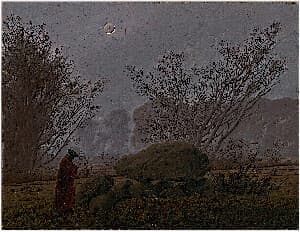
Sharpen
Sharpen your images instantly with this browser-based sharpening tool. Enhance edges, boost clarity, and bring out fine details to make photos look crisp and focused. Adjust the strength to control how subtle or intense the sharpening effect appears, whether you’re refining portraits, improving product shots, or restoring slightly soft images—all without leaving your browser.
Channel Extraction
These tools extract specific channels from your images.
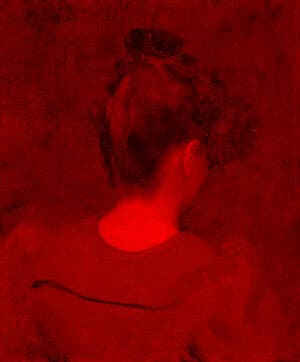
Red Channel
Given an input image, will extract just the red channel from an image. Useful for the stylistic effect or scientific analysis.
Green Channel
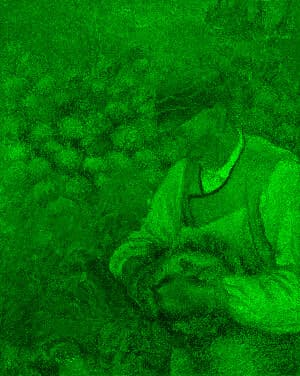
Given the image you provide, selects the green channel and sets the other channels to 0. Use for scientific analysis or an effect.
Blue Channel
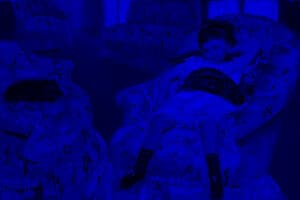
Given the image you provide, selects the blue channel and sets the other channels to 0. Use for scientific analysis or an effect.