Erode Image Online
Click to get startedDrop your image here
tap to choose a fileor click to browse
What you can expect
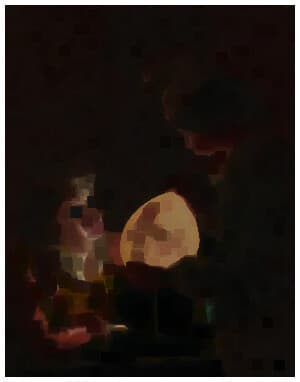
The erode tool performs an erosion, also known as a morphological min, on your image. Select your image and select the dimension.
Related tools
More BrushCue tools that fit this workflow.
Dilate
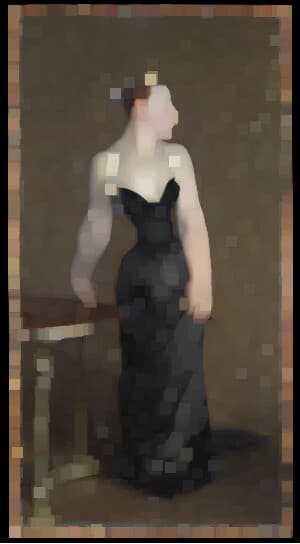
The dilate tool performs a dilation, also known as a morphological max, on your image. Select your image and select the dimension.
Median Filter
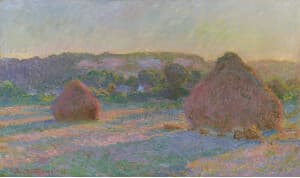
Runs a median filter over the composition. This will accumulate the R, G and B components of your image and then calculate the median of each component. Valid range for the kernel size is between 1 and 5. Use this tool to remove noise from an image.
Included in collections
Browse by category
Online Scientific Image Processing Tools
→Frequently asked questions
- What does image erosion do?
- Erosion shrinks bright or high-value regions by replacing each pixel with the minimum value nearby.
- How to erode an image online?
- Select your image, choose the erosion dimension, and export the processed result.
- Is this like Photoshop's Minimum filter?
- Yes — Photoshop's Minimum filter under Filter > Other applies the same morphological erosion, shrinking bright regions by a chosen radius.
- What file formats can I export?
- You can export as PNG, JPEG, WebP, TIFF, BMP, or HEIC.
- Is this tool free to use?
- Yes — completely free, no account needed. Your images are processed entirely in your browser and never uploaded to a server. Downloads have no watermarks.
For developers
Use Erode from Python
Open the Jupyter notebook example to see how to run this tool from the BrushCue Python API, inspect the processing steps, and adapt the workflow for scripts or batch image jobs.
View Python notebookBuild your own
Create projects with your custom presets
Save work, organize projects, and keep your favorite tool setups ready to go. No login required — everything is stored privately on your computer.
Go to projects