Custom Color Shader Online
Click to get startedDrop your image here
tap to choose a fileor click to browse
What you can expect
Write your own color transformer shader to change every pixel of an image. Choose the input and output color space, then write a short WGSL function body to create effects like sepia, hue shifts, channel swaps, posterization, and more.

Related tools
More BrushCue tools that fit this workflow.

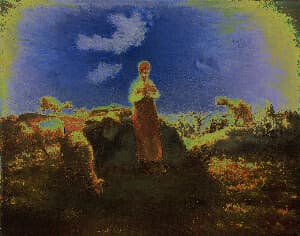
Shadow Tint
This tool applies a selective chroma shift to shadow areas of an image, allowing you to add color offset (shifts in red and blue channels) specifically to the darker regions. Use it to create stylized color grading effects or enhance shadow details with custom color adjustments while preserving the highlights and midtones.
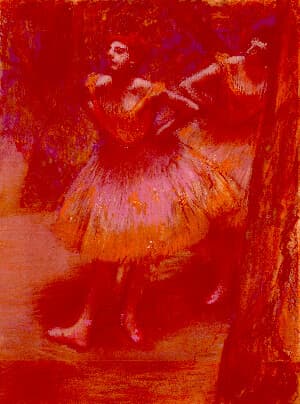
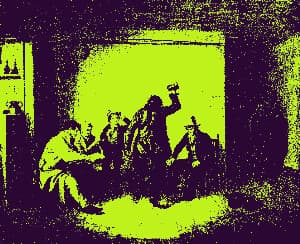
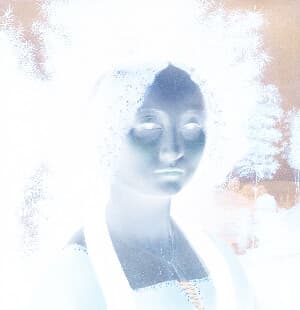
Solarize
Apply a stunning solarize effect to your images online for free. Our tool inverts colors above a brightness threshold, producing eye-catching, high-contrast photos with a surreal look. Enjoy fast processing, adjustable settings, and secure browser-based editing with no uploads stored.
Included in collections
Browse by category
Online Color Effect Tools
→Frequently asked questions
- What is a custom color shader?
- A small WGSL function that runs on every pixel, taking the input color and returning a new one. It lets you build your own color effects.
- Which color spaces can I use?
- Choose separate input and output representations, such as sRGB or Oklab, so your math runs in the space that suits the effect.
- What effects can I make?
- Sepia, hue rotation, channel swaps, posterization, saturation boosts, inversion, thresholds, and any other per-pixel color change.
- What file formats can I export?
- You can export as PNG, JPEG, WebP, TIFF, BMP, or HEIC.
- Is this tool free to use?
- Yes — completely free, no account needed. Your images are processed entirely in your browser and never uploaded to a server. Downloads have no watermarks.
For developers
Use Custom Color Shader from Python
Open the Jupyter notebook example to see how to run this tool from the BrushCue Python API, inspect the processing steps, and adapt the workflow for scripts or batch image jobs.
View Python notebookBuild your own
Create projects with your custom presets
Sign in to save work, organize projects, and keep your favorite tool setups ready to go.
Sign in to create projects