Apply Milk Glass Soft Mono Filter Online
Click to get startedDrop your image here
tap to choose a fileor click to browse
What you can expect
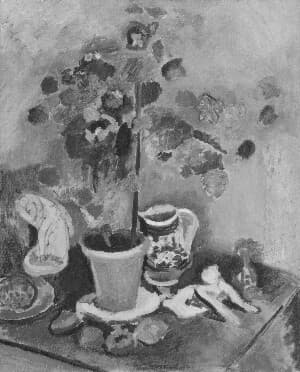
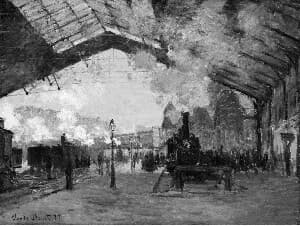
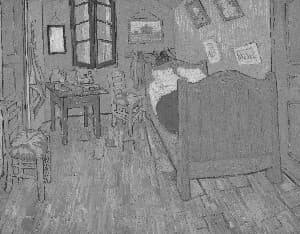
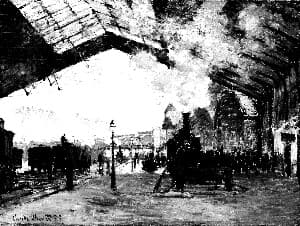
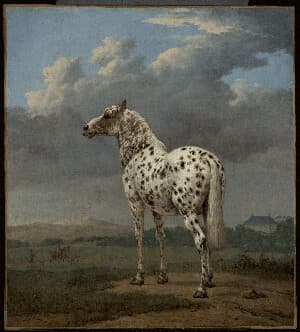
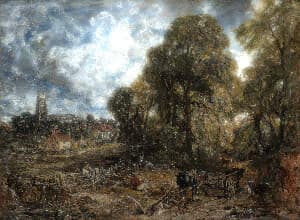
A luminous low-contrast monochrome with pale grays, preserved shadow detail, a soft bloom veil, and fine-art grain.
Related tools
More BrushCue tools that fit this workflow.
Included in collections
Browse by category
Online Color Effect Tools
→Frequently asked questions
- What kind of black and white is Milk Glass?
- A quiet airy style: pale grays, lifted blacks, soft highlights, and a subtle bloom veil over fine grain.
- Does it blur skin?
- No. Microcontrast is reduced so edges feel rounded, but freckles and fine texture stay present.
- What suits it best?
- Window-lit portraits, minimal interiors, still life, and overcast landscapes.
- What file formats can I export?
- You can export as PNG, JPEG, WebP, TIFF, BMP, or HEIC.
- Is this tool free to use?
- Yes — completely free, no account needed. Your images are processed entirely in your browser and never uploaded to a server. Downloads have no watermarks.
Build your own
Create projects with your custom presets
Sign in to save work, organize projects, and keep your favorite tool setups ready to go.
Sign in to create projects