Inked Filter Online — Add Ink Outlines to Photos
Click to get startedDrop your image here
tap to choose a fileor click to browse
What you can expect
Give photos an inked, illustrated look online by tracing strong edges with dark ink lines over smoothed, richer color. Adjust the ink amount and line width.

Related tools
More BrushCue tools that fit this workflow.
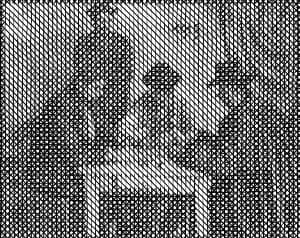
Cross Hatch
Turn photos into pen-and-ink drawings with layered cross-hatching. Adjust line spacing, ink strength, stroke angle, and paper texture privately in your browser.

Cartoon Filter
Turn photos into cartoons: smoothed flat colors, cel-shaded lighting, punchier color, and bold black ink outlines. Control the effect with a single intensity slider.
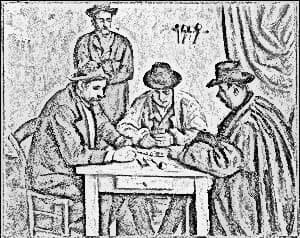

Included in collections
Browse by category
Online Artistic Photo Effects
→Related posts
Read more about Inked Filter
Frequently asked questions
- What does the inked filter do?
- It finds strong edges, draws them as dark ink lines, and lays them over a smoothed, slightly more saturated version of your photo.
- How do I get more or fewer lines?
- Raise Ink Amount to ink weaker edges too, or lower it to keep only the strongest outlines. Line Width controls stroke thickness.
- Inked filter vs cartoon filter?
- The inked filter keeps your photo's natural shading. The cartoon filter also flattens colors into cel-shaded bands.
- What file formats can I export?
- You can export as PNG, JPEG, WebP, TIFF, BMP, or HEIC.
- Is this tool free to use?
- Yes — completely free, no account needed. Your images are processed entirely in your browser and never uploaded to a server. Downloads have no watermarks.
For developers
Use Inked Filter from Python
Open the Jupyter notebook example to see how to run this tool from the BrushCue Python API, inspect the processing steps, and adapt the workflow for scripts or batch image jobs.
View Python notebookBuild your own
Create projects with your custom presets
Save work, organize projects, and keep your favorite tool setups ready to go. No login required — everything is stored privately on your computer.
Go to projects