Photo to Watercolor — Create a Painting Effect Online
Click to get startedDrop your image here
tap to choose a fileor click to browse
What you can expect
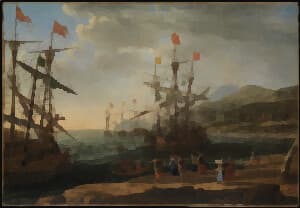
Turn photos into watercolor paintings with soft color washes, gently pooled pigment, and textured paper. Adjust wash size, pigment strength, edge pooling, and paper texture privately in your browser.
Related tools
More BrushCue tools that fit this workflow.
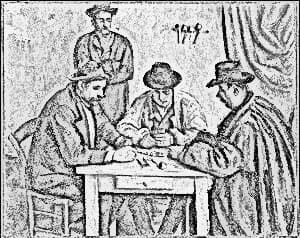
Pencil Sketch
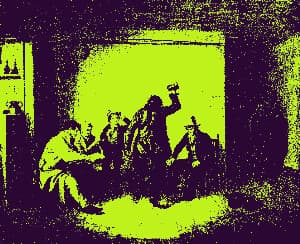
Turn any photo into a pencil sketch with graphite linework, soft shading, and subtle paper texture. Adjust detail size and darkness, or add color for a colored-pencil effect. Edit privately in your browser.
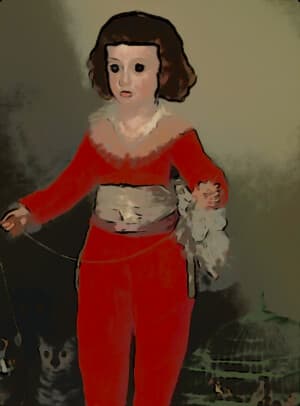
Cartoon Filter
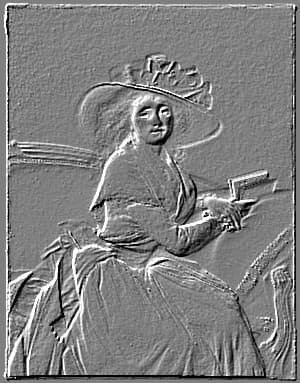
Turn photos into cartoons: smoothed flat colors, cel-shaded lighting, punchier color, and bold black ink outlines. Control the effect with a single intensity slider.
Included in collections
Browse by category
Online Artistic Photo Effects
→Frequently asked questions
- How do I turn a photo into a watercolor painting?
- Choose your photo, then adjust Wash Size to simplify details into painted regions. Use Pigment Strength, Edge Pooling, and Paper Texture to finish your watercolor effect before exporting.
- What does Wash Size change?
- Larger washes simplify more detail into broad color regions. Smaller washes preserve more detail. Wash size scales with your image dimensions so the effect has a similar character on different-sized photos.
- How can I make the watercolor lighter or richer?
- Lower Pigment Strength for pale washes, or raise it for concentrated color. Edge Pooling adds darker colored pigment along boundaries, and Paper Texture adds grain and uneven pigment density.
- Does Watercolor Effect preserve transparency?
- Yes. The effect preserves your photo's dimensions and transparency. Transparent pixels do not contribute color to the washes, and paper texture stays within visible areas.
- Is my photo processed locally?
- Yes. The watercolor effect runs in your browser without uploading your photo, requiring a login, or adding a watermark.
- What file formats can I export?
- You can export as PNG, JPEG, WebP, TIFF, BMP, or HEIC.
- Is this tool free to use?
- Yes — completely free, no account needed. Your images are processed entirely in your browser and never uploaded to a server. Downloads have no watermarks.
For developers
Use Watercolor Effect from Python
Open the Jupyter notebook example to see how to run this tool from the BrushCue Python API, inspect the processing steps, and adapt the workflow for scripts or batch image jobs.
View Python notebookBuild your own
Create projects with your custom presets
Save work, organize projects, and keep your favorite tool setups ready to go. No login required — everything is stored privately on your computer.
Go to projects