Apply Dithering Effect to Image Online
Click to get startedDrop your image here
tap to choose a fileor click to browse
What you can expect
Apply an ordered Bayer dithering pattern to any image. Choose the number of color levels, set the pixel size of the pattern, and blend the effect with the original.
Related tools
More BrushCue tools that fit this workflow.
Color Reducer
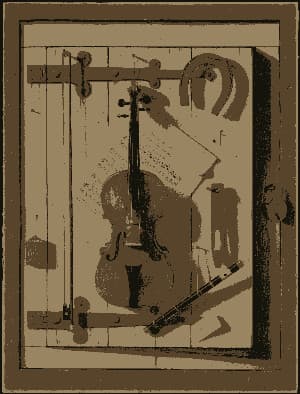
Reduce the number of colors in an image while preserving visual quality. Useful for creating stylized images, optimizing for web, or preparing assets for limited-color displays.
Halftone
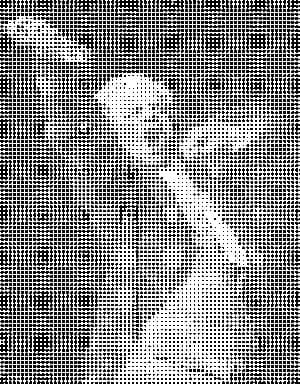
Generates a halftone effect. Composes your image of a bunch of dots of sizes corresponding to the brightness of each area. Control the dot and background color, the size of the regions and a contrast adjustment to make this effect look exactly how you want it.

Included in collections
Browse by category
Online Mosaic Tools
→Frequently asked questions
- What is ordered dithering?
- It uses a repeating Bayer threshold pattern to approximate extra tones with a small, deliberate pixel pattern.
- How is this different from Color Reducer?
- Color Reducer chooses a compact palette; dithering distributes the remaining color error as a visible retro pattern.
- What settings work best?
- Start with four color levels and a pattern size of two, then increase either value for a gentler result.
- What file formats can I export?
- You can export as PNG, JPEG, WebP, TIFF, BMP, or HEIC.
- Is this tool free to use?
- Yes — completely free, no account needed. Your images are processed entirely in your browser and never uploaded to a server. Downloads have no watermarks.
For developers
Use Dithering Effect from Python
Open the Jupyter notebook example to see how to run this tool from the BrushCue Python API, inspect the processing steps, and adapt the workflow for scripts or batch image jobs.
View Python notebookBuild your own
Create projects with your custom presets
Sign in to save work, organize projects, and keep your favorite tool setups ready to go.
Sign in to create projects