Online Mosaic Tools
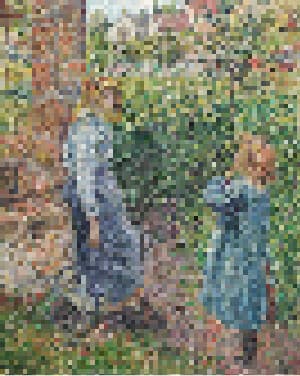
BrushCue offers mosaic tools that simplify your image into blocks of color in different ways.
Mosaic Effects
These tools turn your image into mosaic blocks of color.
Pixelate
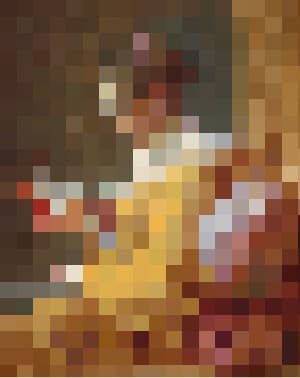
This tool groups nearby pixels into square blocks to reduce detail. Smaller blocks retain more detail, while larger blocks create a stronger, mosaic-like effect, allowing control over how much the image is simplified.
Halftone
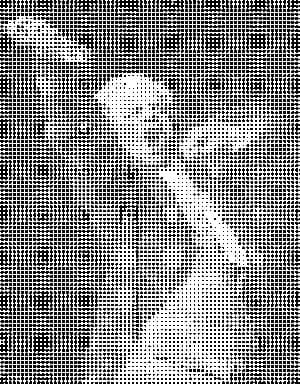
Generates a halftone effect. Composes your image of a bunch of dots of sizes corresponding to the brightness of each area. Control the dot and background color, the size of the regions and a contrast adjustment to make this effect look exactly how you want it.
Dithering Effect
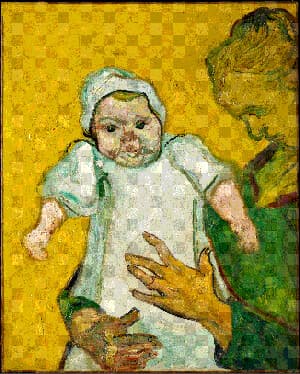
Apply an ordered Bayer dithering pattern to any image. Choose the number of color levels, set the pixel size of the pattern, and blend the effect with the original.
Censor Tools
These tools allow you to turn parts of your image into a mosaic to censor them.
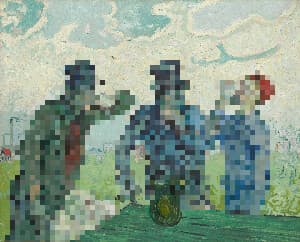
Censor People with Pixelate
Censor people out of your images using this tool. To use, select your image and adjust the dimension of the pixelate.
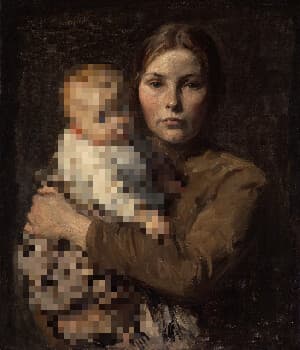
Censor Children with Pixelate
Censor children out of your images using this tool. Our AI automatically detects children in your photos. We then apply a pixelate effect to those children. To use, select your image and adjust the dimension of the pixelate.
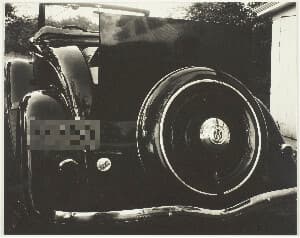
Censor License Plate with Pixelate
Censor license plates out of your images using this tool. Our AI automatically detects license plates in your photos. We then apply a pixelate effect to those license plates. To use, select your image and adjust the dimension of the pixelate.
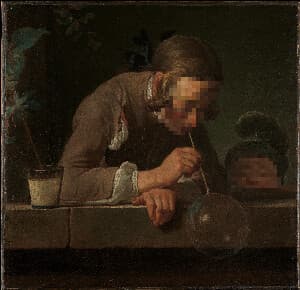
Pixelate Faces
Pixelate faces in your images using this tool. Our AI automatically detects every face in your photo and applies a pixelation effect to hide it. To use, select your image and adjust the pixel size and how far the pixelation extends past each face.
Animation
Reveal your image with a mosaic animation.