Censor Children with Pixelate Online
Click to get startedDrop your image here
tap to choose a fileor click to browse
What you can expect
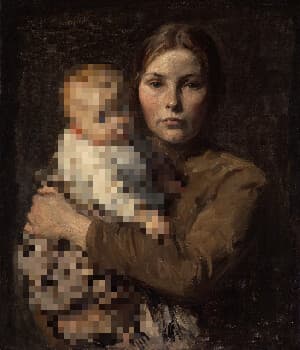
Censor children out of your images using this tool. Our AI automatically detects children in your photos. We then apply a pixelate effect to those children. To use, select your image and adjust the dimension of the pixelate.
Related tools
More BrushCue tools that fit this workflow.
Pixelate Faces
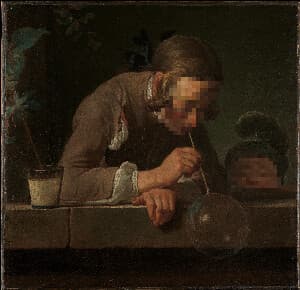
Pixelate faces in your images using this tool. Our AI automatically detects every face in your photo and applies a pixelation effect to hide it. To use, select your image and adjust the pixel size and how far the pixelation extends past each face.
Blur Faces
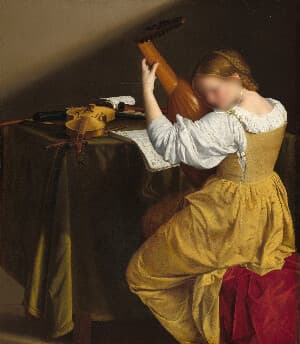
Blur faces in your images using this tool. Our AI automatically detects every face in your photo and applies a Gaussian blur to hide it. To use, select your image and adjust the blur strength and how far the blur extends past each face.
Included in collections
Browse by category
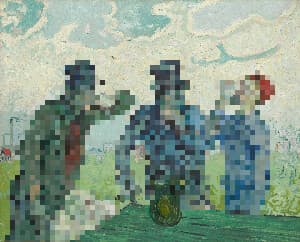
Online Mosaic Tools
→Online Privacy & Redaction Tools
→Frequently asked questions
- How to censor children in a photo?
- Select your image, adjust the pixelate dimension, and export the result with detected children pixelated.
- What does Censor Children with Pixelate do?
- It uses AI to detect children in an image, then applies pixelation to make them harder to identify.
- Can I control how strong the censoring is?
- Yes. Increase the pixelate dimension for larger blocks and stronger visual obscuring.
- What file formats can I export?
- You can export as PNG, JPEG, WebP, TIFF, BMP, or HEIC.
- Is this tool free to use?
- Yes — completely free, no account needed. Your images are processed entirely in your browser and never uploaded to a server. Downloads have no watermarks.
Build your own
Create projects with your custom presets
Save work, organize projects, and keep your favorite tool setups ready to go. No login required — everything is stored privately on your computer.
Go to projects