Online Privacy & Redaction Tools
Hide people, children, license plates, and sensitive details in images with BrushCue's browser-based privacy and redaction tools.
Automatic Censoring
These tools detect sensitive subjects and apply pixelation automatically.
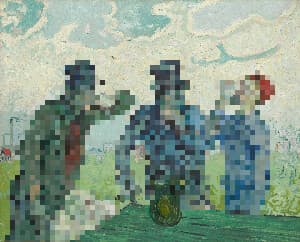
Censor People with Pixelate
Censor people out of your images using this tool. To use, select your image and adjust the dimension of the pixelate.
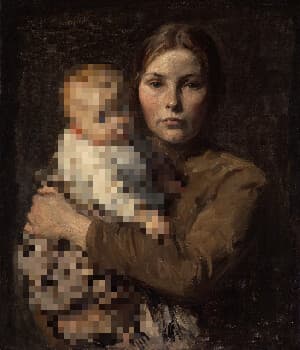
Censor Children with Pixelate
Censor children out of your images using this tool. Our AI automatically detects children in your photos. We then apply a pixelate effect to those children. To use, select your image and adjust the dimension of the pixelate.
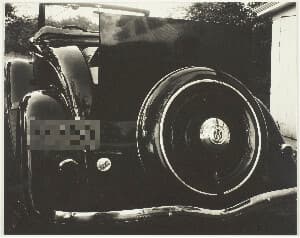
Censor License Plate with Pixelate
Censor license plates out of your images using this tool. Our AI automatically detects license plates in your photos. We then apply a pixelate effect to those license plates. To use, select your image and adjust the dimension of the pixelate.
Manual Privacy Effects
These tools reduce detail or separate people from the background for privacy-focused edits.
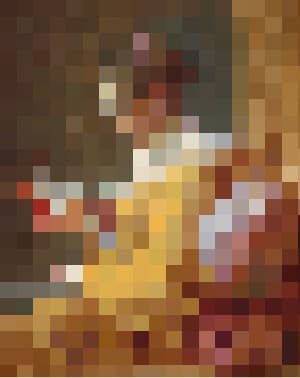
Pixelate
This tool groups nearby pixels into square blocks to reduce detail. Smaller blocks retain more detail, while larger blocks create a stronger, mosaic-like effect, allowing control over how much the image is simplified.
Blur Background Around People
This tool uses AI to extract the people in your image, then blurs the background while keeping the people sharp.