Blur Background Around People Online
Click to get startedDrop your image here
tap to choose a fileor click to browse
What you can expect
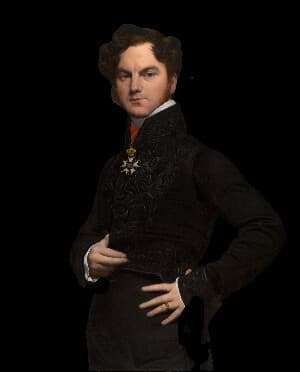
This tool uses AI to extract the people in your image, then blurs the background while keeping the people sharp.
Related tools
More BrushCue tools that fit this workflow.
Clothing Color Pop
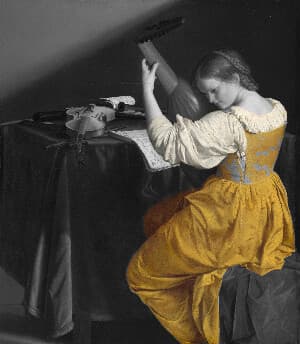
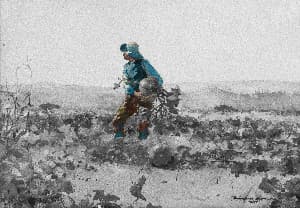
The Clothing Color Pop tool turns the background of your image black and white while keeping the clothing in full color. Use it to draw attention to clothing in an image.
Gaussian Blur
Apply Gaussian blur to images in your browser. Soften details, create depth effects, or prepare backgrounds quickly and for free.
Included in collections
Browse by category
Online Image Blur Tools
→Online Privacy & Redaction Tools
→Frequently asked questions
- How to blur the background around people?
- Select your image and the tool keeps detected people sharp while blurring the background around them.
- What does Blur Background Around People do?
- It uses AI to separate people from the background, then applies blur only to the background area.
- Is this useful for portraits?
- Yes. It helps portraits, profile photos, and social posts place more visual focus on the people in the image.
- What file formats can I export?
- You can export as PNG, JPEG, WebP, TIFF, BMP, or HEIC.
- Is this tool free to use?
- Yes — completely free, no account needed. Your images are processed entirely in your browser and never uploaded to a server. Downloads have no watermarks.
Build your own
Create projects with your custom presets
Save work, organize projects, and keep your favorite tool setups ready to go. No login required — everything is stored privately on your computer.
Go to projects