Online Image Blur Tools
BrushCue offers a variety of online tools that involve blurs. You can use these tools to apply a blur to all or part of your images.
Full Image Blur
These tools allow you to apply a blur effect to your entire image. For the best quality results, we recommend the Gaussian Blur.
Gaussian Blur
Apply Gaussian blur to images in your browser. Soften details, create depth effects, or prepare backgrounds quickly and for free.
Box Blur
This online Box Blur tool applies a simple averaging filter to soften an image and reduce noise. It is fast and predictable, making it useful for quick previews, testing, or educational purposes. Under normal circumstances, use the Gaussian Blur tool instead for smoother, more natural-looking results.
Median Filter
Runs a median filter over the composition. This will accumulate the R, G and B components of your image and then calculate the median of each component. Valid range for the kernel size is between 1 and 5. Use this tool to remove noise from an image.
Specialty Blurs
These blurs provide artistic effects that can enhance your image.
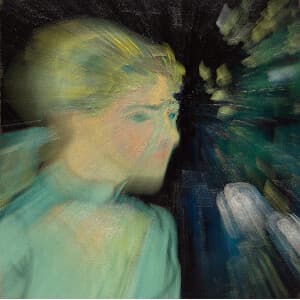
Zoom Blur
Zoom Blur simulates the effect of a camera zooming during exposure, creating streaks that radiate outward from a specified center point. The center remains relatively sharp while surrounding areas blur along radial lines. The strength parameter controls how pronounced the motion and streaking appear.
Bloom
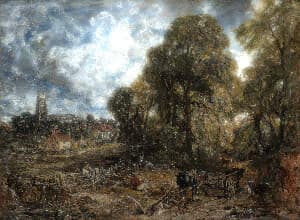
Apply a bloom effect to your image. This effect isolates the lighter parts of the image, blurs them, and adds them back into the image to make your image bloom.
Background Blurs
Apply a blur to the background of your images, making the subject stand out.
Blur Background Around People
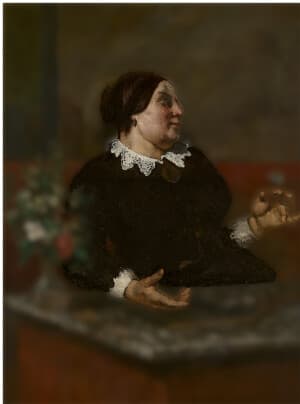
This tool uses AI to extract the people in your image, then blurs the background while keeping the people sharp.
Blur Background
Blur the background behind the main subject of any photo, whether it is a person, pet, product, or food. The subject stays sharp while the background softens.
Portrait Mode Effect
Recreate a phone camera's portrait mode on any photo. The background is blurred like a wide-aperture lens and bright spots bloom into soft bokeh, while the subject stays sharp.