Remove Background From Image Online
Click to get startedDrop your image here
tap to choose a fileor click to browse
What you can expect
Remove the background from any photo automatically. Upload an image and get the main subject cut out on a transparent background, with clean edges around hair and fine details. Works on people, pets, products, and more.
Related tools
More BrushCue tools that fit this workflow.

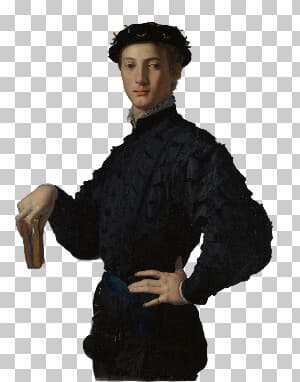
Cut Out Person
Upload your photo and receive an image with the person cut out and a transparent background. Use this tool to create stickers or overlays of people.
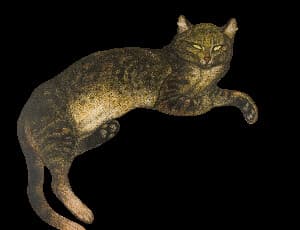
Cut Out Cat
Upload your photo and receive an image with the cat cut out and a transparent background. Use this tool to create stickers or overlays of cats.


Included in collections
Browse by category
Online Cut-Out Tools
→Online AI Subject Editing Tools
→Frequently asked questions
- How do I remove the background from a photo?
- Upload your image and the tool detects the main subject, removes everything behind it, and returns a PNG with a transparent background.
- Does it need a person in the photo?
- No. It finds the main subject automatically, whether that is a person, pet, product, or object. No prompt or manual selection is needed.
- Is my image uploaded?
- Yes. Background detection runs on BrushCue's GPU servers, so the image is uploaded for processing. The edge cleanup and export happen in your browser.
- How are hair and soft edges handled?
- The model produces a soft mask, and BrushCue cleans the edge colors so stray background tints do not show around hair, fur, or fine details.
- What file formats can I export?
- You can export as PNG, JPEG, WebP, TIFF, BMP, or HEIC.
- Is this tool free to use?
- Yes — completely free, no account needed. Your images are processed entirely in your browser and never uploaded to a server. Downloads have no watermarks.
Build your own
Create projects with your custom presets
Save work, organize projects, and keep your favorite tool setups ready to go. No login required — everything is stored privately on your computer.
Go to projects