Cut Out Cat From Image Online
Click to get startedDrop your image here
tap to choose a fileor click to browse
What you can expect
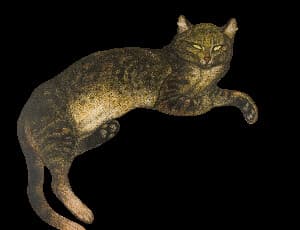
Upload your photo and receive an image with the cat cut out and a transparent background. Use this tool to create stickers or overlays of cats.
Related tools
More BrushCue tools that fit this workflow.
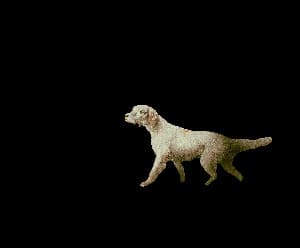
Cut Out Dog
Upload your photo and receive an image with the dog cut out and a transparent background. Use this tool to create stickers or overlays of dogs.

Cut Out Person
Upload your photo and receive an image with the person cut out and a transparent background. Use this tool to create stickers or overlays of people.
Included in collections
Browse by category
Online Cut-Out Tools
→Related posts
Read more about Cut Out Cat
Frequently asked questions
- How to cut a cat out of a photo?
- Upload your photo and the tool removes the background around the detected cat, returning a transparent cutout.
- What can I use a cat cutout for?
- Use the transparent cat for stickers, thumbnails, pet portraits, collages, overlays, reaction images, or social posts.
- How can I make a cat cutout look cooler?
- Add a frame, place it on a blurred square background, or turn it into a spinning reveal animation for short-form video.
- Does the output have a transparent background?
- Yes. The cat is kept and the surrounding background is removed so the result can be layered into other designs.
- What file formats can I export?
- You can export as PNG, JPEG, WebP, TIFF, BMP, or HEIC.
- Is this tool free to use?
- Yes — completely free, no account needed. Your images are processed entirely in your browser and never uploaded to a server. Downloads have no watermarks.
Build your own
Create projects with your custom presets
Save work, organize projects, and keep your favorite tool setups ready to go. No login required — everything is stored privately on your computer.
Go to projects