Online Cut-Out Tools
Create stickers out of your images with BrushCue's cut-out tools.
Automatic
With these tools, we use AI to automatically cut out subjects from your images.
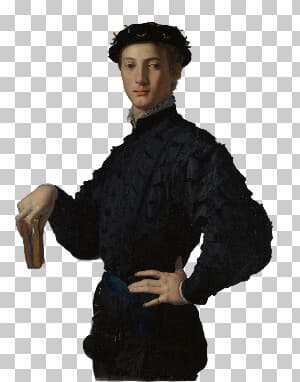
Background Remover
Remove the background from any photo automatically. Upload an image and get the main subject cut out on a transparent background, with clean edges around hair and fine details. Works on people, pets, products, and more.
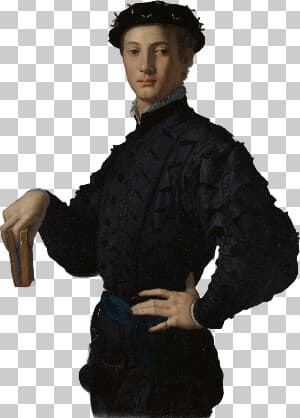
Make Sticker
Turn any photo into a sticker. The main subject is cut out automatically and trimmed tight, so the result has a transparent background and no empty space around it.

Cut Out Person
Upload your photo and receive an image with the person cut out and a transparent background. Use this tool to create stickers or overlays of people.
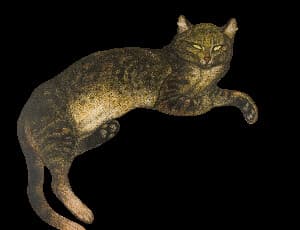
Cut Out Cat
Upload your photo and receive an image with the cat cut out and a transparent background. Use this tool to create stickers or overlays of cats.
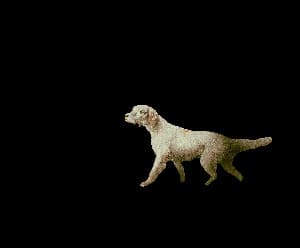
Cut Out Dog
Upload your photo and receive an image with the dog cut out and a transparent background. Use this tool to create stickers or overlays of dogs.
Change Background Color
Change the background of any photo to a solid color. The main subject is detected and cut out automatically, then placed on the color you pick.
White Background
Replace the background of any photo with pure white. The main subject is cut out automatically, which is ideal for product listings, headshots, and documents.