Add Swirl Effect to Image Online
Click to get startedDrop your image here
tap to choose a fileor click to browse
What you can expect
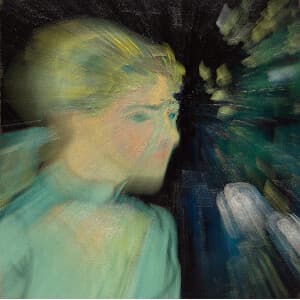
Creates a swirl effect at a point you choose in your image. Control the magnitude of the effect with an angle given in radians and the radius of the effect.
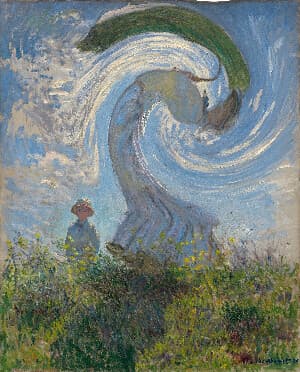
Demo video
See Swirl in action
Related tools
More BrushCue tools that fit this workflow.
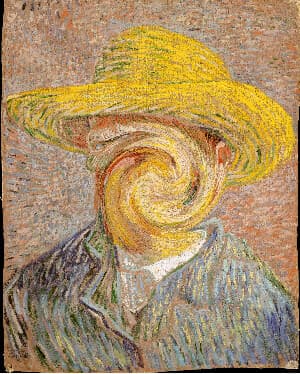
Swirl Faces
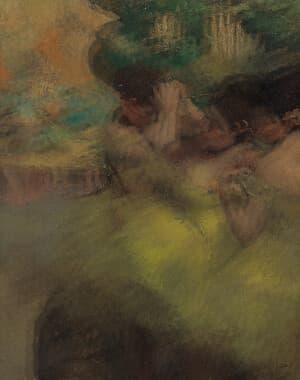
Swirl faces in your images using this tool. Our AI automatically detects every face in your photo and twists it with a swirl sized to fit that face. To use, select your image, adjust the swirl amount, and expand the swirl past each face if needed.
Liquify
A Liquify image editing tool that distorts an image using wave-based deformation. Amplitude controls the strength of the distortion, while frequency determines how smooth or tightly rippled the effect appears, enabling precise, parameter-driven liquify effects.
Included in collections
Browse by category
Online Image Distortion Tools
→Related posts
Read more about Swirl
Frequently asked questions
- How to apply a swirl effect to an image?
- Select your file, drag the center handle where you want the twist to start, then adjust the radius and amount.
- What does the Swirl radius control?
- Radius sets how far the distortion extends from the center. The twist tapers smoothly to zero at the edge.
- Is this like Photoshop's Twirl filter?
- Similar — both rotate pixels spirally around a center point. Photoshop's Twirl uses a fixed center; this tool adds an interactive handle and smooth tapering at the radius boundary.
- What file formats can I export?
- You can export as PNG, JPEG, WebP, TIFF, BMP, or HEIC.
- Is this tool free to use?
- Yes — completely free, no account needed. Your images are processed entirely in your browser and never uploaded to a server. Downloads have no watermarks.
For developers
Use Swirl from Python
Open the Jupyter notebook example to see how to run this tool from the BrushCue Python API, inspect the processing steps, and adapt the workflow for scripts or batch image jobs.
View Python notebookBuild your own
Create projects with your custom presets
Save work, organize projects, and keep your favorite tool setups ready to go. No login required — everything is stored privately on your computer.
Go to projects