Online Image Distortion Tools
BrushCue offers a variety of tools that distort your images.
Effects
These tools provide controllable artistic effects to enhance your images.
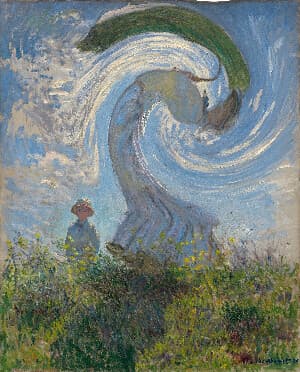
Swirl
Creates a swirl effect at a point you choose in your image. Control the magnitude of the effect with an angle given in radians and the radius of the effect.
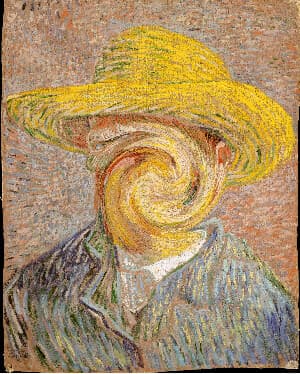
Swirl Faces
Swirl faces in your images using this tool. Our AI automatically detects every face in your photo and twists it with a swirl sized to fit that face. To use, select your image, adjust the swirl amount, and expand the swirl past each face if needed.
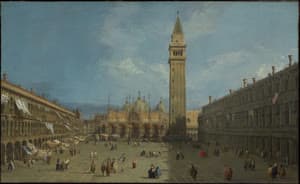
Fisheye
Give your image a fisheye lens look that bulges the center and bends the edges. Drag the center handle to choose the focal point, then adjust the radius and strength.
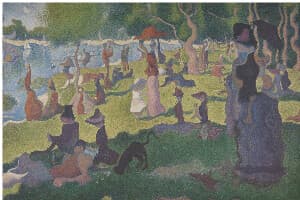
Liquify
A Liquify image editing tool that distorts an image using wave-based deformation. Amplitude controls the strength of the distortion, while frequency determines how smooth or tightly rippled the effect appears, enabling precise, parameter-driven liquify effects.
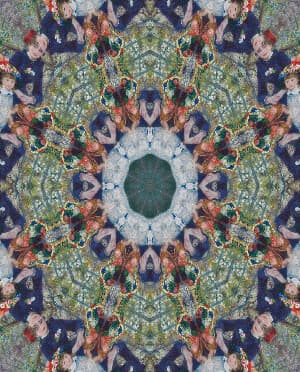
Kaleidoscope
Turn your image to a kaleidoscope. Control the number of segments, the rotation and a warp feature when creating your kaleidoscope.
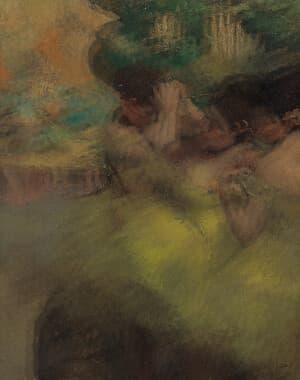
Camera Moving Distortion
This tool simulates the effect of camera movement during a photo capture. It overlays two instances of the same image and blends them using a configurable alpha value to produce the effect. You can control both the blending strength and the positional offset between the two overlays to introduce subtle motion, depth, or a sense of energy—useful for adding realism, emphasizing motion, or creating a more dynamic, cinematic feel in otherwise static images.
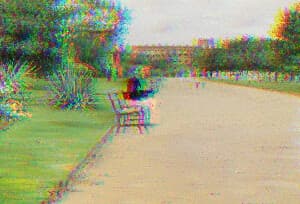
RGB Color Shift
An RGB Color Shift tool offsets the red, green, and blue channels to create a bold chromatic separation effect, producing the distinctive glitchy look popularized by the TikTok logo.
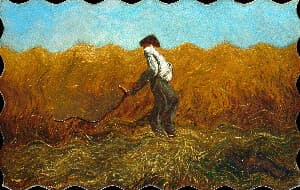
Custom Spacial Shader
Write your own spacial displacement shader to warp every pixel of an image. Edit a short WGSL function body using position and sample() to create effects like ripples, waves, swirls, bulges, and more.
Aesthetic
These tools use distortions to achieve an aesthetic effect on your images.
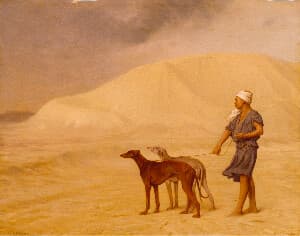
Desert Mirage Filter Animation
A looping 6-second video effect that simulates shimmering heat haze rising from the ground. Layered sine-wave distortion warps the image from the bottom up, while chromatic aberration adds a vivid color fringe. Paired with warm color grading — boosted saturation, increased brightness, and a golden chroma shift — for a sun-scorched, desert atmosphere. Intensity is fully adjustable.
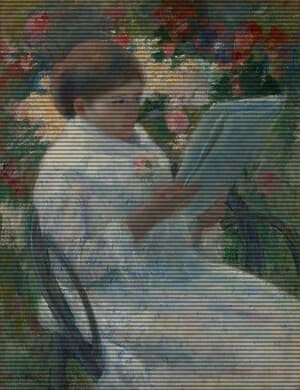
CRT Monitor Filter
Apply an authentic retro CRT screen effect to any image with adjustable scanlines, RGB color separation, screen curvature, vignette, noise, saturation, contrast, and glow. This BrushCue CRT tool recreates the look of vintage televisions, arcade monitors, VHS displays, and old computer screens while keeping the effect fully customizable for subtle analog texture or intense retro distortion.
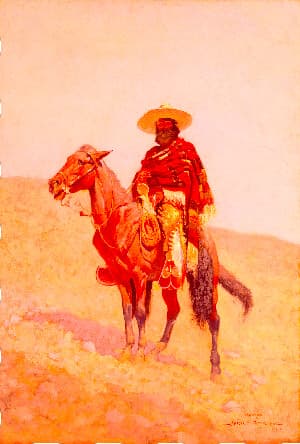
Coachella Aesthetic
Transport your photos to the sun-scorched desert with this dreamy Coachella/Palm Springs–inspired effect. Heat waves ripple up from the bottom of the frame, mimicking a mirage. A warm chroma shift and boosted saturation bathe the image in a desert glow. All of it is controllable via the intensity slider.
Animation
Use these tools to turn your image into a short distorted animation.
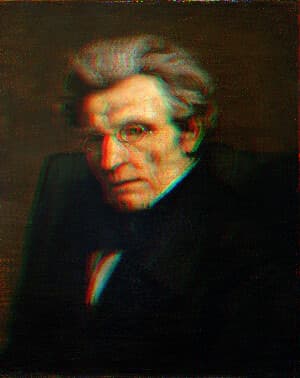
Glitch Filter Animation
Transform any still image into a dynamic, TikTok-inspired glitch animation video using BrushCue. This ready-made template applies cinematic RGB color splitting, chromatic aberration, red and cyan ghost offsets, and reactive horizontal jitter — all driven by a smooth, time-based animation engine. Perfect for social media content creators, digital artists, and designers looking to add eye-catching glitch effects to photos in seconds.
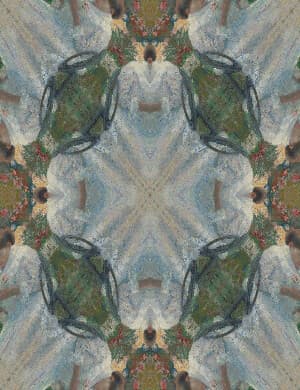
Kaleidoscope Animation
Turn your image into an animated kaleidoscope. Select the number of segments and the duration of the animation.