Automatically Crop a Photo to Its Subject
Click to get startedDrop your image here
tap to choose a fileor click to browse
What you can expect
Automatically crop a photo around its main subject. The subject is detected for you, and a padding slider controls how much of the surroundings to keep.
Related tools
More BrushCue tools that fit this workflow.

Square Crop
Crop any photo into a perfect 1:1 square for profile pictures and social posts. Slide the position control to frame the subject, then export.
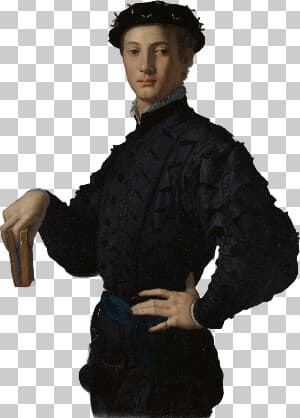
Make Sticker
Turn any photo into a sticker. The main subject is cut out automatically and trimmed tight, so the result has a transparent background and no empty space around it.

Included in collections
Browse by category
Online Image Framing & Border Tools
→Online AI Subject Editing Tools
→Frequently asked questions
- How do I crop a photo to the subject automatically?
- Upload your photo. The main subject is detected and the image is cropped around it.
- Can I keep some space around the subject?
- Yes. The padding slider adds space around the subject as a fraction of its size.
- Is the background removed?
- No. The background is kept and only cropped. Use Make Sticker to cut out and crop the subject together.
- What kinds of photos work best?
- Photos with one clear main subject, such as a person, pet, or product, give the cleanest results. The subject is found automatically, so no prompt or selection is needed.
- What file formats can I export?
- You can export as PNG, JPEG, WebP, TIFF, BMP, or HEIC.
- Is this tool free to use?
- Yes — completely free, no account needed. Your images are processed entirely in your browser and never uploaded to a server. Downloads have no watermarks.
Build your own
Create projects with your custom presets
Save work, organize projects, and keep your favorite tool setups ready to go. No login required — everything is stored privately on your computer.
Go to projects