Crop Image to Square Online
Click to get startedDrop your image here
tap to choose a fileor click to browse
What you can expect
Crop any photo into a perfect 1:1 square for profile pictures and social posts. Slide the position control to frame the subject, then export.

Related tools
More BrushCue tools that fit this workflow.
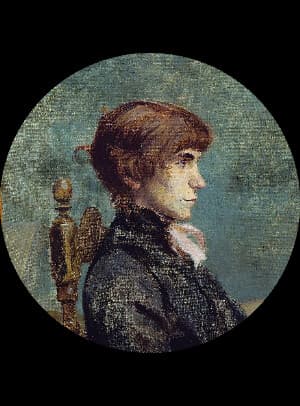
Circle Crop
Crop an image into a perfect circle with transparent corners. Slide the crop along the image’s longer side to position the subject for a profile picture, avatar, or logo.

4:5 Crop
Crop any photo to a 4:5 portrait frame, ideal for Instagram posts. Slide the position control to frame the subject, then export.


Included in collections
Browse by category
Online Image Framing & Border Tools
→Frequently asked questions
- How do I crop a photo into a square?
- Select your file, slide the position control to frame your subject in the 1:1 window, then export.
- What does the position slider do?
- It slides the square window along the image's longer side so you can choose which part of the photo to keep.
- Does square cropping lose quality?
- The kept region stays at full resolution — pixels are cut away, never stretched — so sharpness is preserved.
- What file formats can I export?
- You can export as PNG, JPEG, WebP, TIFF, BMP, or HEIC.
- Is this tool free to use?
- Yes — completely free, no account needed. Your images are processed entirely in your browser and never uploaded to a server. Downloads have no watermarks.
Build your own
Create projects with your custom presets
Sign in to save work, organize projects, and keep your favorite tool setups ready to go.
Sign in to create projects