Adjust Image Brightness Online
Click to get startedDrop your image here
tap to choose a fileor click to browse
What you can expect
Adjust image brightness online with live preview. Lighten or darken photos instantly using this free browser-based brightness adjustment tool.

Related tools
More BrushCue tools that fit this workflow.
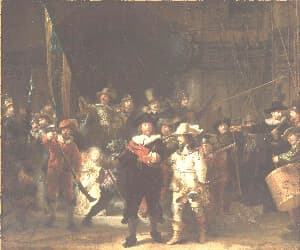
Lighten
An image brightness adjustment tool with a user-controlled slider, perfect for correcting underexposed or overexposed photos, enhancing mood, and bringing out detail in shadows or highlights.
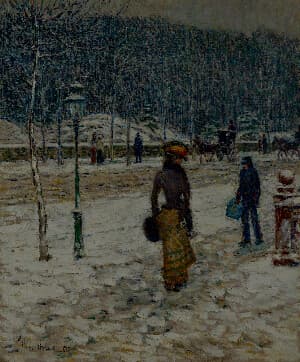
Darken
A darkness adjustment tool with a user-controlled slider, designed to deepen shadows and reduce overall luminance for a richer, more dramatic look. Ideal for toning down overexposed areas, enhancing contrast, setting mood, and subtly obscuring details to create depth and atmosphere.


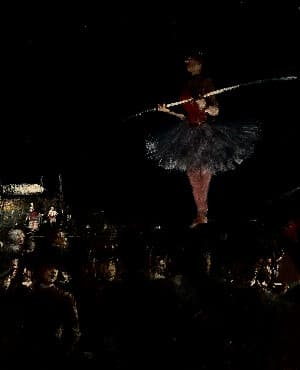
Included in collections
Browse by category
Online Image Color Adjustment Tools
→Online Photo Enhancement Tools
→Related posts
Read more about Brightness Adjust
Frequently asked questions
- How to adjust brightness of an image?
- Select your file, drag the brightness slider — positive values lighten the image, negative values darken it.
- How is brightness different from exposure?
- Brightness adds a flat offset to all pixel values; exposure multiplies per stop, mimicking how a camera aperture change works.
- Is this like Lightroom's Brightness slider?
- Similar — both brighten or darken an image, but Lightroom's Brightness applies a tone curve while this tool adds a flat offset. For stop-based control, use Exposure Adjust instead.
- What file formats can I export?
- You can export as PNG, JPEG, WebP, TIFF, BMP, or HEIC.
- Is this tool free to use?
- Yes — completely free, no account needed. Your images are processed entirely in your browser and never uploaded to a server. Downloads have no watermarks.
For developers
Use Brightness Adjust from Python
Open the Jupyter notebook example to see how to run this tool from the BrushCue Python API, inspect the processing steps, and adapt the workflow for scripts or batch image jobs.
View Python notebookBuild your own
Create projects with your custom presets
Save work, organize projects, and keep your favorite tool setups ready to go. No login required — everything is stored privately on your computer.
Go to projects