Draw an Arrow or Line on an Image Online
Click to get startedDrop your image here
tap to choose a fileor click to browse
What you can expect
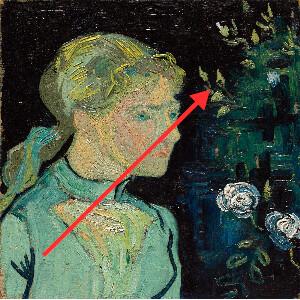
Add an arrow or straight line to an image online to point something out. Set the start and end points, color, and line width, and turn the arrowhead on or off.
Related tools
More BrushCue tools that fit this workflow.
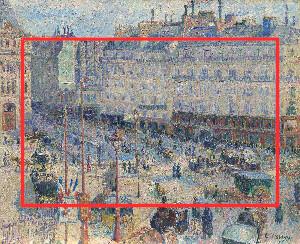
Draw Rectangle on Image
Add a rectangle or box to any image online to highlight, frame, or cover an area. Set the color, outline width, size, position, and rotation, or fill it solid.
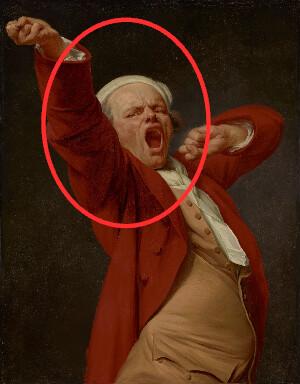
Draw Circle on Image
Circle something in a photo or screenshot online. Draw an outlined or filled circle or ellipse, then set its color, line width, size, position, and rotation.
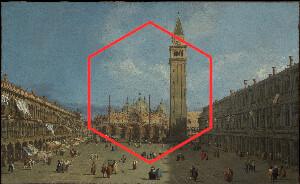
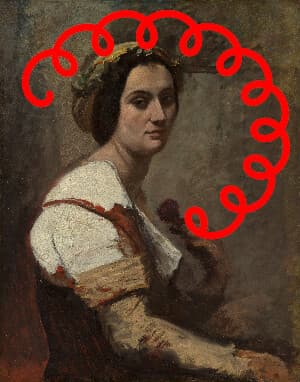
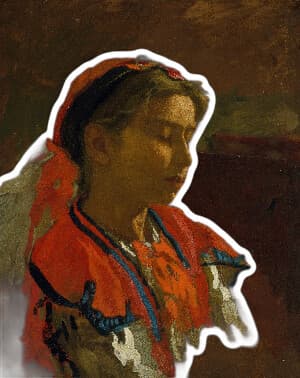
Included in collections
Browse by category
Drawing
→Related posts
Read more about Draw Arrow on Image
Frequently asked questions
- How do I add an arrow to a picture?
- Upload your image, then set Start X/Y and End X/Y. The arrowhead points at the end position.
- Can I draw a plain line without an arrow?
- Yes. Turn off Arrow Head to draw a straight line.
- How do I make the arrow thicker?
- Increase Line Width. The arrowhead scales with the line so it stays proportional.
- What file formats can I export?
- You can export as PNG, JPEG, WebP, TIFF, BMP, or HEIC.
- Is this tool free to use?
- Yes — completely free, no account needed. Your images are processed entirely in your browser and never uploaded to a server. Downloads have no watermarks.
Build your own
Create projects with your custom presets
Save work, organize projects, and keep your favorite tool setups ready to go. No login required — everything is stored privately on your computer.
Go to projects