Summit Air Photo Filter Online
Click to get startedDrop your image here
tap to choose a fileor click to browse
What you can expect
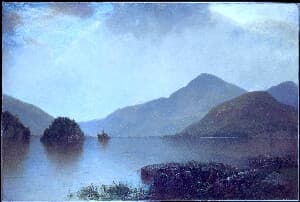
Give your photos the crisp, cool clarity of high mountain air with a blue-violet split tone, a cool white balance, and a light crisp glow. Control the effect with a single intensity slider.
Related tools
More BrushCue tools that fit this workflow.

Frost Line
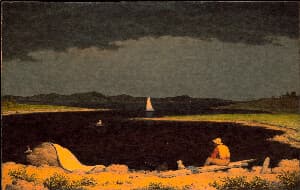
Cool your photos into crisp arctic light with a blue-white split tone, reduced saturation, a scatter of icy sparkle, and soft snow glare. Control the effect with a single intensity slider.
Ember Rock
Push your photos toward volcanic drama with crushed near-black shadows, a molten orange-red highlight glow, drifting ember sparks, and coarse ash-like grain. Control the effect with a single intensity slider.
Included in collections
Browse by category
Biomes
→Frequently asked questions
- How do I give a photo a mountain or alpine look?
- Select your photo and Summit Air cools the white balance and applies a crisp blue-violet split tone automatically.
- What does the Summit Air filter do?
- It pushes white balance and chroma toward cool blue, applies a blue-violet split tone, adds mild contrast, and layers a light crisp glow.
- Is Summit Air similar to Frost Line?
- Both are cool-toned, but Summit Air stays closer to neutral saturation for a crisp alpine feel, while Frost Line desaturates heavily for an icy, monochrome-leaning look.
- What file formats can I export?
- You can export as PNG, JPEG, WebP, TIFF, BMP, or HEIC.
- Is this tool free to use?
- Yes — completely free, no account needed. Your images are processed entirely in your browser and never uploaded to a server. Downloads have no watermarks.
For developers
Use Summit Air from Python
Open the Jupyter notebook example to see how to run this tool from the BrushCue Python API, inspect the processing steps, and adapt the workflow for scripts or batch image jobs.
View Python notebookBuild your own
Create projects with your custom presets
Sign in to save work, organize projects, and keep your favorite tool setups ready to go.
Sign in to create projects