Make Your Photo Look Like a Polaroid Online
Click to get startedDrop your image here
tap to choose a fileor click to browse
What you can expect
Turn any photo into a Polaroid instant print. Faded blacks, warm highlights, soft grain, and a gentle vignette give it the instant-film look, finished with a square crop and the classic white Polaroid frame.
Related tools
More BrushCue tools that fit this workflow.
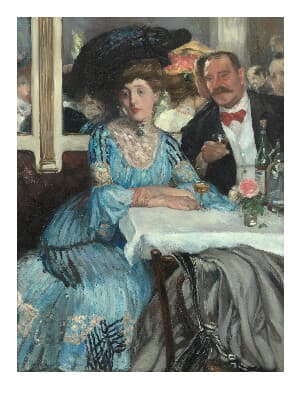
Polaroid Frame
Add a white Polaroid-style frame with a thicker bottom border. Preserve your entire photo without cropping or scaling, and adjust the frame size with one slider.
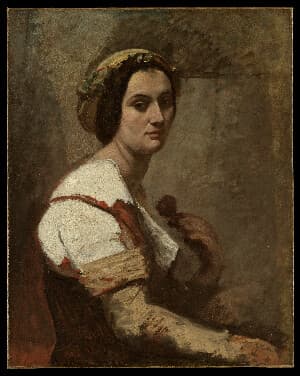
1970s Filter
Turn any image into a sun-aged 1970s photo with honeyed highlights, olive and rust tones, muted blues, and fine print grain.



Included in collections
Browse by category
Online Image Framing & Border Tools
→Online Decade Photo Filters
→Frequently asked questions
- How do I make my photo look like a Polaroid?
- Upload your photo. The tool applies an instant-film color look, crops it square, and adds the white Polaroid frame with its thicker bottom border.
- What does the Film Look slider change?
- It controls the instant-film treatment: lifted, milky blacks, warm highlights, cool shadows, softer focus, grain, and a light vignette. Set it to zero to keep your original colors.
- Can I keep my whole photo without cropping?
- Yes. Turn off Square Crop and the frame wraps your entire photo at its original proportions.
- How is this different from the Polaroid Frame tool?
- Polaroid Frame only adds the white border. This tool also changes the photo itself so it looks like a developed instant print.
- What file formats can I export?
- You can export as PNG, JPEG, WebP, TIFF, BMP, or HEIC.
- Is this tool free to use?
- Yes — completely free, no account needed. Your images are processed entirely in your browser and never uploaded to a server. Downloads have no watermarks.
Build your own
Create projects with your custom presets
Save work, organize projects, and keep your favorite tool setups ready to go. No login required — everything is stored privately on your computer.
Go to projects