Online Image Utility Tools
Resize, rotate, mirror, frame, and prepare images for layouts with BrushCue's practical browser-based image utilities.
Resize & Transform
These tools resize, rotate, or mirror your image.
Scale by Factor
Lets you scale your image uniformly by a factor of your choice. You can both increase and decrease the size of your image using this tool.
Image Resizer
Resize any image to exact pixel dimensions. Set the target width and height — from tiny thumbnails to large prints — then export without cropping.
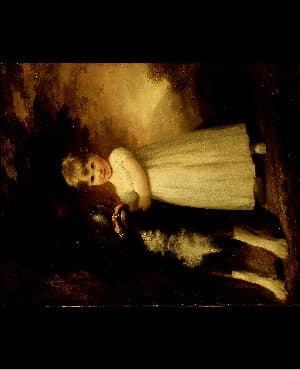
Rotate 90° Clockwise
Rotate images 90° clockwise online. Fast and easy orientation correction without downloads.
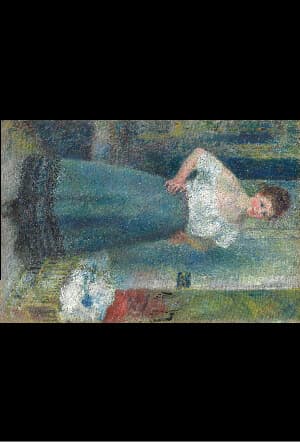
Rotate 90° Counter-Clockwise
Rotate images 90° counter-clockwise with this free browser-based utility. No account needed.
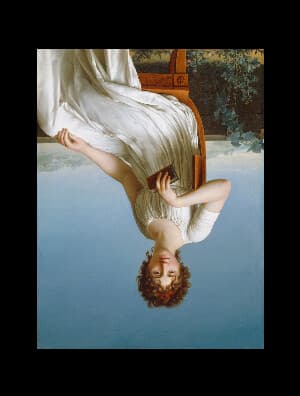
Rotate 180°
Flip images upside down with a 180° rotation tool instantly in your browser. Simple and free.
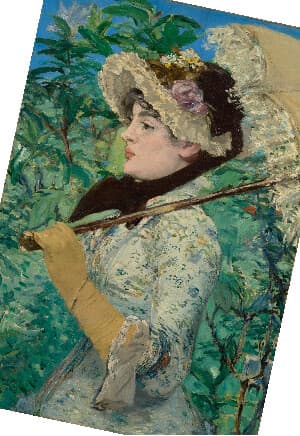
Rotate & Straighten
Rotate a photo to any angle to straighten horizons or get creative tilts. The canvas expands to fit and revealed corners fill with your chosen backdrop color.
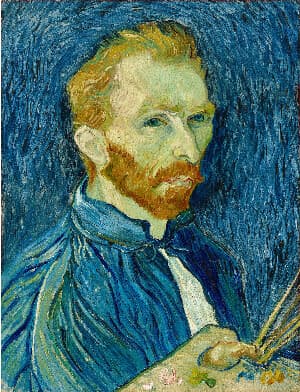
Horizontal Mirror
Flip images instantly with this horizontal mirror tool. Create a left-to-right mirror flip in one click—ideal for correcting selfie text, adjusting composition, or preparing visuals for design and social media.
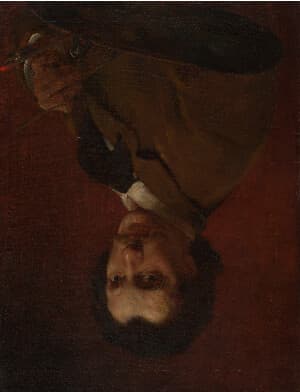
Vertical Mirror
Flip images instantly with this vertical flip tool. Create a top-to-bottom mirror in one click—ideal for correcting orientation, experimenting with composition, or preparing visuals for design and social media.
Layout Helpers
These tools add frames, create color blocks, or adjust transparency for design layouts.
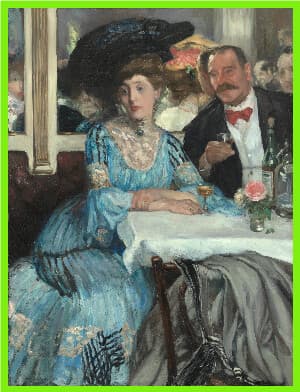
Add Frame
Add a solid-color frame around an image without cropping or scaling it. Choose the frame color and set its thickness in pixels.
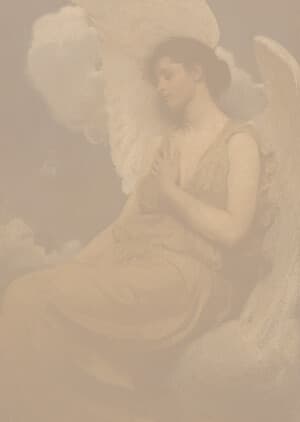
Opacity Scale
Applies a scalar to the alpha component of your image making your image transparent to that scale.
Color Rectangle
Create a solid color image by specifying the color and dimensions. Ideal for testing palettes, layout placeholders, and visual design work.
Generated Images
These tools create images without an uploaded source file.
Static Noise
Generate a grayscale static noise image from a seed. Set the image width and height, then export a repeatable noise texture without uploading a source image.
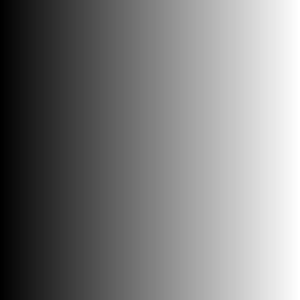
Grayscale Gradient
Generate a black-to-white grayscale gradient image. Set the image width and height and rotate the gradient with the angle control, then export without uploading a source image.
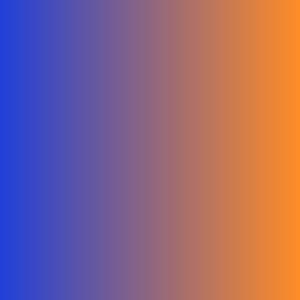
Color Gradient
Generate a smooth gradient image blending between two custom colors. Set the image width and height, pick the start and end colors, and rotate the blend with the angle control, then export without uploading a source image.

Radial Gradient
Generate a smooth radial gradient blending between two custom colors from a movable center point. Set the dimensions, pick the colors, and position the center, then export without uploading a source image.
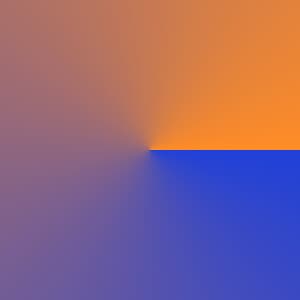
Conic Gradient
Generate a conic gradient that sweeps between two custom colors around a center point. Set the dimensions, pick the colors, position the center, and rotate the sweep start, then export without uploading a source image.