Generate Conic Gradient Image Online
What you can expect
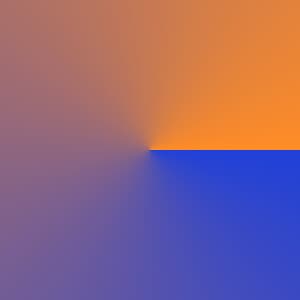
Generate a conic gradient that sweeps between two custom colors around a center point. Set the dimensions, pick the colors, position the center, and rotate the sweep start, then export without uploading a source image.
Related tools
More BrushCue tools that fit this workflow.
Color Gradient
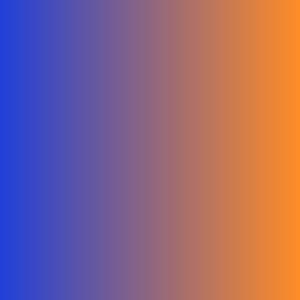
Generate a smooth gradient image blending between two custom colors. Set the image width and height, pick the start and end colors, and rotate the blend with the angle control, then export without uploading a source image.

Radial Gradient
Generate a smooth radial gradient blending between two custom colors from a movable center point. Set the dimensions, pick the colors, and position the center, then export without uploading a source image.

Included in collections
Browse by category
Online Image Utility Tools
→Frequently asked questions
- How do I create a conic gradient image?
- Set the width and height, pick the start and end colors, position the center, then export. No source image is needed.
- What does the start angle control?
- It rotates where the sweep begins around the center point. The gradient blends from the start color to the end color over one full turn.
- How is this different from Radial Gradient?
- Radial Gradient blends outward from the center. Conic Gradient sweeps around the center like a color wheel.
- What file formats can I export?
- You can export as PNG, JPEG, WebP, TIFF, BMP, or HEIC.
- Is this tool free to use?
- Yes — completely free, no account needed. Your images are processed entirely in your browser and never uploaded to a server. Downloads have no watermarks.
Build your own
Create projects with your custom presets
Sign in to save work, organize projects, and keep your favorite tool setups ready to go.
Sign in to create projects