Drift Animation Online
Click to get startedDrop your image here
tap to choose a fileor click to browse
What you can expect
Turn any photo into a slow drifting animation that wanders smoothly across the frame. Set the drift distance and duration to generate a calm, cinematic floating video.
Related tools
More BrushCue tools that fit this workflow.
Image to Video
Convert any image into a video instantly. Upload a photo, choose the duration, and generate a video where every frame is your image. Simple, fast, and perfect for social media, presentations, podcasts, and looping visuals.
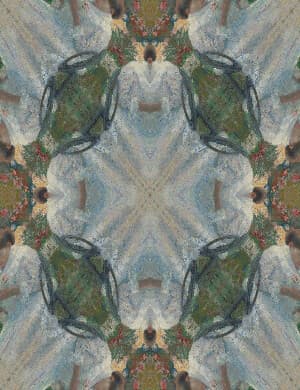
Kaleidoscope Animation
Turn your image into an animated kaleidoscope. Select the number of segments and the duration of the animation.
Included in collections
Browse by category
Online Photo to Video & Animation Tools
→Frequently asked questions
- How to make a drift animation from a photo?
- Select your image, set the horizontal and vertical drift distance plus duration, then export a smooth looping video.
- What does Drift Animation create?
- It turns a still image into a calm video that wanders slowly across the frame, ideal for ambient backgrounds and social posts.
- Does the animation loop seamlessly?
- Yes. The drift follows a closed path that returns to its starting position, so the video loops without a visible jump.
- What file formats can I export?
- You can export as MP4, WebP, or GIF.
- Is this tool free to use?
- Yes — completely free, no account needed. Your images are processed entirely in your browser and never uploaded to a server. Downloads have no watermarks.
For developers
Use Drift Animation from Python
Open the Jupyter notebook example to see how to run this tool from the BrushCue Python API, inspect the processing steps, and adapt the workflow for scripts or batch image jobs.
View Python notebookBuild your own
Create projects with your custom presets
Sign in to save work, organize projects, and keep your favorite tool setups ready to go.
Sign in to create projects