Find Dominant Image Color Online
Click to get startedDrop your image here
tap to choose a fileor click to browse
What you can expect
Find the single most representative color of any image. Upload a photo to extract its dominant color as a swatch with sRGB, hex, P3, OKLab, and XYZ values.
Related tools
More BrushCue tools that fit this workflow.
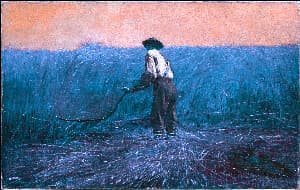
Hue Adjust
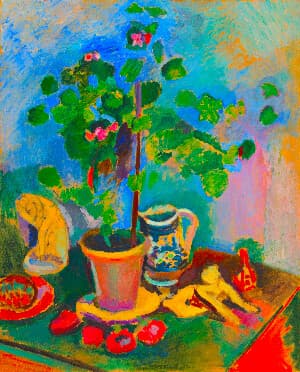
Rotate the hues of your image with a single slider. Shift colors around the color wheel in degrees while keeping brightness and saturation intact, using a perceptual OkLab color rotation.
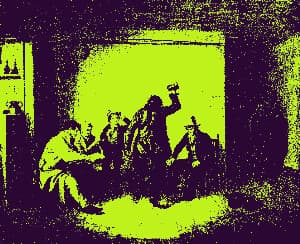
Duotone Effect
Map image shadows and highlights to two custom colors with contrast-boosted lightness curves for rich, professional color grading.
Included in collections
Browse by category
Online Image Color Adjustment Tools
→Frequently asked questions
- How do I find the dominant color of an image?
- Upload your image and the tool extracts its single most representative color, shown as a swatch with sRGB, hex, P3, OKLab, and XYZ values.
- What does dominant color mean?
- It is the color that best represents the whole image, computed from a one-color palette of your upload.
- Is this tool free to use?
- Yes — completely free, no account needed. Everything is calculated entirely in your browser and never uploaded to a server.
Build your own
Create projects with your custom presets
Sign in to save work, organize projects, and keep your favorite tool setups ready to go.
Sign in to create projects