Auto Contrast Image Online
Click to get startedDrop your image here
tap to choose a fileor click to browse
What you can expect
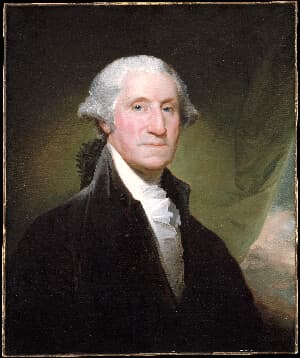
Automatically stretch your image's tones to fill the full black-to-white range. Uses robust histogram percentiles so a few outlier pixels can't skew the result, while keeping hues intact.
Related tools
More BrushCue tools that fit this workflow.
Contrast Adjust
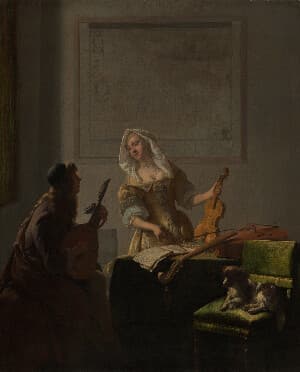
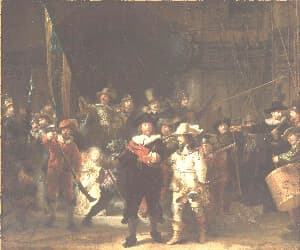
Use this tool to increase or decrease the contrast in your images. Values greater than 0 increase the contrast. Values less than 0 decrease the contrast.
Brightness Contrast Adjust
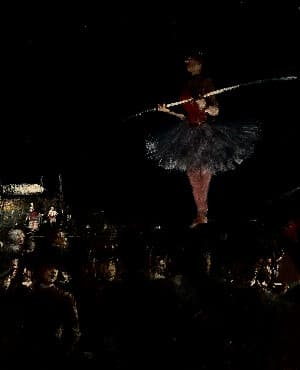
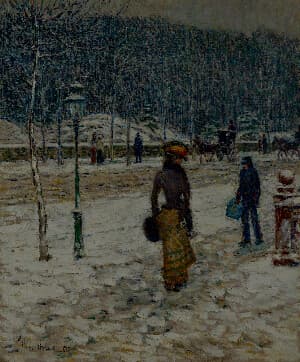
This tool allows you to increase the contrast of the brightness of an image. This leads to more stark contrast between the dark and light areas of your image while leaving the colors unaffected.
Included in collections
Browse by category
Online Photo Enhancement Tools
→Frequently asked questions
- How do I automatically fix the contrast of an image?
- Select your file and the tool stretches the image's tones to fill the full black-to-white range automatically. No sliders needed.
- Will auto contrast change my image's colors?
- Hues are preserved. Only the lightness range is stretched in the perceptual OkLab color space, so colors get punchier without shifting.
- Is this like Photoshop's Auto Contrast?
- Similar — both stretch tones to the full range. This tool uses robust histogram percentiles, so a few very dark or bright pixels won't skew the result.
- What file formats can I export?
- You can export as PNG, JPEG, WebP, TIFF, BMP, or HEIC.
- Is this tool free to use?
- Yes — completely free, no account needed. Your images are processed entirely in your browser and never uploaded to a server. Downloads have no watermarks.
Build your own
Create projects with your custom presets
Sign in to save work, organize projects, and keep your favorite tool setups ready to go.
Sign in to create projects