Schengen Visa Photo Online
Click to get startedDrop your image here
tap to choose a fileor click to browse
What you can expect
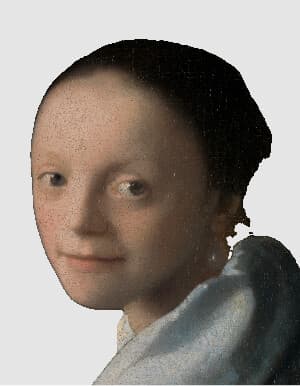
Make a Schengen visa photo from any picture. AI finds your head, crops a 35x45 mm photo at 827x1063 pixels with the head sized to the ICAO standard used across the Schengen area, and replaces the background with a plain light grey. Toggle background replacement off to keep your original background, or fine-tune the head size.
Related tools
More BrushCue tools that fit this workflow.
UK Passport Photo
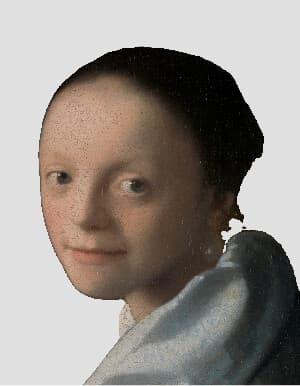
Make a UK passport photo from any picture. AI finds your head, crops a 35x45 mm photo at 827x1063 pixels with the head sized to HM Passport Office rules, and replaces the background with a plain light grey. Toggle background replacement off to keep your original background, or fine-tune the head size.
Australia Passport Photo
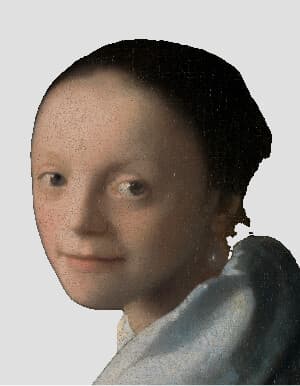
Make an Australian passport photo from any picture. AI finds your head, crops a 35x45 mm photo at 827x1063 pixels with the head sized to Australian Passport Office rules, and replaces the background with plain light grey. Toggle background replacement off to keep your original background, or fine-tune the head size.
Included in collections
Browse by category
Online ID & Passport Photo Tools
→Frequently asked questions
- What size is a Schengen visa photo?
- 35x45 mm, the ICAO standard. This tool exports 827x1063 pixels, which prints at 600 DPI. Some consulates have their own digital limits, so check theirs.
- How big should my head be?
- From chin to crown, your head should measure 32–36 mm of the 45 mm height (71–80%). The tool sizes it to 75% by default; adjust with the head size slider.
- What background color is required?
- A plain light-coloured background, usually light grey or off-white, with no shadows. Keep the background toggle on to replace yours automatically.
- Does this work for every Schengen country?
- The 35x45 mm format applies across the Schengen area, but individual consulates or visa centres may add rules. Check your consulate's checklist.
- Can I smile or wear glasses?
- Keep a neutral expression with your mouth closed and eyes open. Glasses should be avoided, and head coverings are allowed only for religious reasons with your face visible.
- What file formats can I export?
- You can export as PNG, JPEG, WebP, TIFF, BMP, or HEIC.
- Is this tool free to use?
- Yes — completely free, no account needed. Your images are processed entirely in your browser and never uploaded to a server. Downloads have no watermarks.
Build your own
Create projects with your custom presets
Save work, organize projects, and keep your favorite tool setups ready to go. No login required — everything is stored privately on your computer.
Go to projects