Night Signal Photo Filter Online
Click to get startedDrop your image here
tap to choose a fileor click to browse
What you can expect
Electric yellows against deep blue create a restless evening palette inspired by Vincent van Gogh. Adjust the effect with the Strength slider.
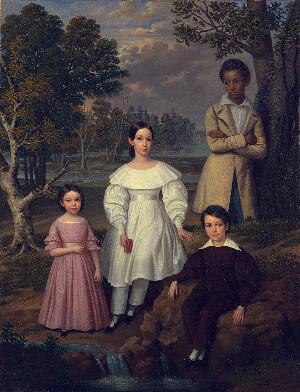
Related tools
More BrushCue tools that fit this workflow.
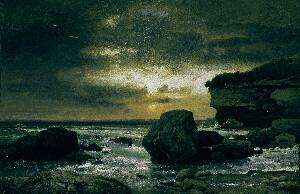
Stormglass
Silver light, blue-green shadows, and charged crimson accents draw inspiration from El Greco. Adjust the effect with the Strength slider.
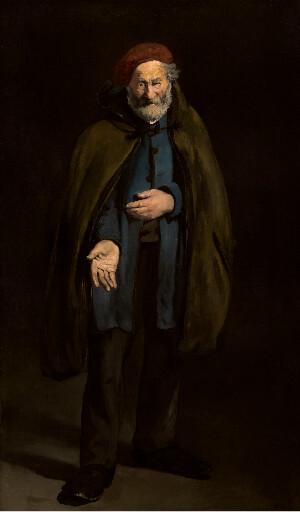
Emberlight
Bring warmth to illuminated faces and let the background recede into rich brown shadows, inspired by Rembrandt. Adjust the effect with the Strength slider.
Included in collections
Browse by category
Artist-Inspired Filters
→Related posts
Read more about Night Signal
Frequently asked questions
- What does Night Signal do?
- Electric yellows against deep blue create a restless evening palette inspired by Vincent van Gogh.
- Can I adjust the effect?
- Yes. Use the Strength slider to blend the treatment with your original photo. At zero, the image retains its original appearance.
- Does this recreate a painting by Vincent van Gogh?
- It interprets selected qualities of color, light, or atmosphere in an original photo treatment. It does not reproduce a specific painting or change the scene’s composition.
- What file formats can I export?
- You can export as PNG, JPEG, WebP, TIFF, BMP, or HEIC.
- Is this tool free to use?
- Yes — completely free, no account needed. Your images are processed entirely in your browser and never uploaded to a server. Downloads have no watermarks.
Build your own
Create projects with your custom presets
Save work, organize projects, and keep your favorite tool setups ready to go. No login required — everything is stored privately on your computer.
Go to projects