Black Out Part of an Image Online — Redact with a Brush
Click to get startedDrop your image here
tap to choose a fileor click to browse
What you can expect
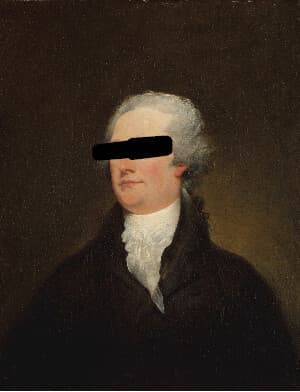
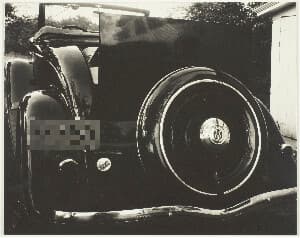
Paint solid black over names, text, or anything private to redact it. Export at the original image size, privately in your browser.
Related tools
More BrushCue tools that fit this workflow.
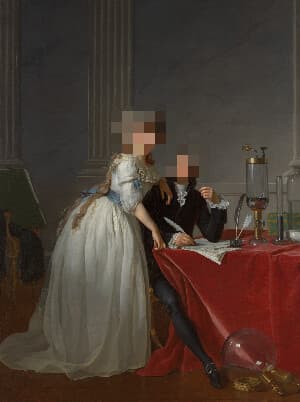
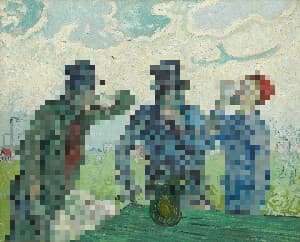
Censor Image with Pixelate
Paint over faces, text, or anything private to pixelate just those areas. Adjust the pixel size and export at the original image size, privately in your browser.
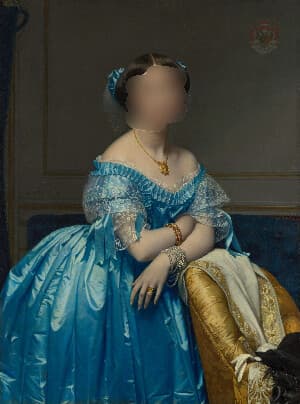
Censor Image with Blur
Paint over faces, text, or anything private to blur just those areas. Adjust the blur strength and export at the original image size, privately in your browser.
Included in collections
Browse by category
Drawing
→Frequently asked questions
- How do I black out part of an image?
- Upload your image, paint solid black over the names, text or details you want to hide, then export.
- Is my image uploaded to a server?
- No. Your image is processed privately in your browser.
- Can the hidden details be recovered?
- The exported image contains opaque black paint in those areas, so make sure your strokes fully cover what you want to hide.
- Should I use a black bar or pixelation?
- Use a black bar for sensitive text and numbers. Pixelation and blur look softer but keep some of the original image.
- Will the exported image lose quality?
- No resizing is applied. Your image exports at its original size, and only the painted areas change.
- What file formats can I export?
- You can export as PNG, JPEG, WebP, TIFF, BMP, or HEIC.
- Is this tool free to use?
- Yes — completely free, no account needed. Your images are processed entirely in your browser and never uploaded to a server. Downloads have no watermarks.
Build your own
Create projects with your custom presets
Save work, organize projects, and keep your favorite tool setups ready to go. No login required — everything is stored privately on your computer.
Go to projects