Apply 1960s Photo Filter Online
Click to get startedDrop your image here
tap to choose a fileor click to browse
What you can expect
Create a soft 1960s analog look with warm pastels, gentle cool shadows, faded contrast, and a sunlit yellow cast.
Related tools
More BrushCue tools that fit this workflow.
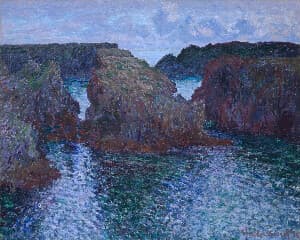
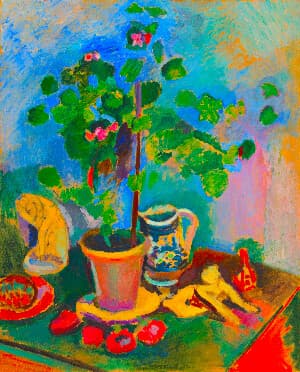
Included in collections
Browse by category
Online Decade Photo Filters
→Frequently asked questions
- What does the 1960s Filter do?
- It softens contrast and shifts colors toward warm pastels with a lightly faded analog finish.
- Is it the same as sepia?
- No. It preserves full color while making whites warmer and shadows gently cooler.
- What photos work best?
- Sunlit portraits, gardens, street scenes, and travel photos suit its relaxed palette.
- What file formats can I export?
- You can export as PNG, JPEG, WebP, TIFF, BMP, or HEIC.
- Is this tool free to use?
- Yes — completely free, no account needed. Your images are processed entirely in your browser and never uploaded to a server. Downloads have no watermarks.
For developers
Use 1960s Filter from Python
Open the Jupyter notebook example to see how to run this tool from the BrushCue Python API, inspect the processing steps, and adapt the workflow for scripts or batch image jobs.
View Python notebookBuild your own
Create projects with your custom presets
Sign in to save work, organize projects, and keep your favorite tool setups ready to go.
Sign in to create projects